Limited Time Offer!
For Less Than the Cost of a Starbucks Coffee, Access All DevOpsSchool Videos on YouTube Unlimitedly.
Master DevOps, SRE, DevSecOps Skills!

PHP is a widely adopted server-side scripting language, powering millions of websites and web applications globally. From simple personal blogs to complex enterprise applications, PHP’s flexibility and ease of use make it a popular choice among developers. However, as applications scale and grow in complexity, so do the challenges of maintaining them. Developers often encounter issues that range from syntax errors to complex database connectivity problems, performance bottlenecks, and security vulnerabilities. These issues, if not addressed efficiently, can lead to performance degradation, security risks, and a poor user experience.
In this advanced troubleshooting guide, we delve deep into common and complex PHP issues, equipping you with the skills to diagnose, resolve, and prevent potential problems. We start by exploring the different types of PHP errors and understanding how each affects application stability. From there, we move on to examining frequent pitfalls in database connections, memory management, and configuration settings, providing actionable solutions along the way.
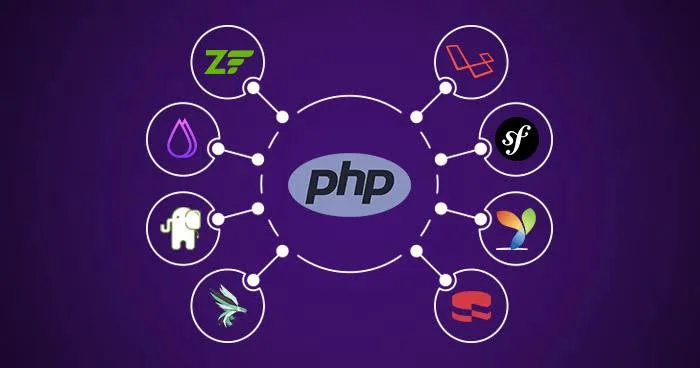
For developers aiming to optimize performance, we offer advanced debugging techniques and practical advice on profiling slow code, optimizing database queries, and eliminating inefficient code patterns. Furthermore, we cover crucial aspects of security, helping you troubleshoot and secure your PHP applications from common vulnerabilities like SQL injection, Cross-Site Scripting (XSS), and session management issues.
Integrating with external APIs and handling various PHP extensions and dependencies is another critical part of maintaining robust applications. This guide provides strategies for diagnosing API-related errors, ensuring seamless integration, and managing PHP extensions and Composer dependencies without conflicts.
What are the PHP Troubleshooting Advanced Guides?
Understanding PHP Errors
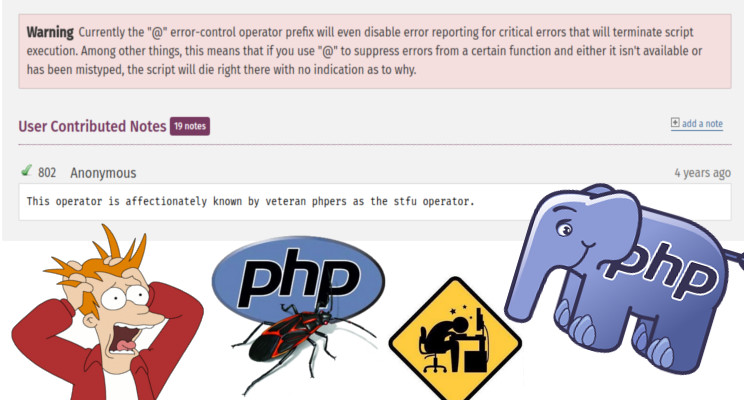
Error Types in PHP
- Warnings: Indicate issues that don’t halt script execution (e.g., file not found).
- Notices: Inform of potential issues, often due to undefined variables or array keys.
- Fatal Errors: Stop script execution, usually due to calling undefined functions or exceeding memory.
- Parse Errors: Syntax issues, usually typos or misplaced brackets.
Error Handling Modes
- Development Mode: Display errors on-screen to identify issues quickly (useful for local testing).
- Production Mode: Log errors but hide from users to avoid exposing vulnerabilities.
Logging Errors
Enable logging in php.ini:
error_reporting = E_ALL
display_errors = Off
log_errors = On
error_log = /path/to/php-error.log
Debugging with Error Logs
Learn to parse logs, looking for error types, file paths, and line numbers, to trace the origin of issues.
Common PHP Issues and Solutions
Syntax Errors
- Diagnosis: Often due to missing semicolons, brackets, or typos.
- Solution: Use syntax checkers (like
php -lor integrated IDE tools) to spot errors quickly.
Database Connectivity Problems
- Common Errors:
- Access Denied: Check credentials or host settings.
- No Such Table: Verify database structure or run migration scripts.
- Solution:
- Use
mysqli_connect_error()to troubleshoot connections. - Confirm database permissions with tools like
phpMyAdmin.
- Use
Memory-Related Issues
- Symptoms: “Allowed memory size exhausted” errors.
- Profile scripts using Xdebug to identify memory-intensive functions.
- Solutions:
- Increase memory in
php.ini:
- Increase memory in
memory_limit = 256MAdvanced Debugging Techniques
Xdebug Installation and Setup
- Configuration: Install Xdebug and configure for local debugging, enabling breakpoints and variable inspection.
- IDE Integration: Connect Xdebug with PHPStorm or VS Code for streamlined debugging.
Using var_dump() and print_r() Effectively
- Best Practices: Avoid in production; use for quick checks on arrays and objects in development.
PHP Debugging Tools
- Popular Tools:
- Whoops: Provides a rich error display for development.
- Monolog: Enables logging to files, databases, and external services.
- Debug Bar: A Composer package for tracking variables and profiling.
Troubleshooting Performance Issues
Slow Execution
- Profiling: Use
php-fpmslow log andblackfire.ioto identify slow functions and optimize code execution. - Optimizing Database Queries:
- Use prepared statements to prevent SQL injection and optimize repeated queries.
- Implement indexing and query caching for faster retrieval.
Code Optimization
- Loop Optimization: Minimize nested loops and limit data fetched per loop.
- Use Built-in Functions: PHP’s built-in functions are often optimized; using them improves speed over custom implementations.
Common Configuration Pitfalls
php.ini Misconfigurations
- Essential Directives:
memory_limit,upload_max_filesize,post_max_size: Manage memory and file upload sizes.display_errors,display_startup_errors: Enable for debugging but disable for production.
File Permissions and Ownership
- Troubleshooting Upload Errors: Ensure the web server has write permissions to directories.
- Solutions:
chmod -R 755 /path/to/dir
chown -R www-data:www-data /path/to/dir
Security Issues and Debugging
Injection Vulnerabilities
- Types: SQL injection, Cross-Site Scripting (XSS), and command injection.
- Solutions:
- Use
mysqli_real_escape_string()or prepared statements for SQL. - Implement input validation and escaping functions for output.
- Use
Authentication and Authorization Debugging
- Session Issues: Ensure sessions are correctly managed and regenerated on login to prevent session fixation.
- Cookie Management: Ensure cookies are set with the
HttpOnlyandSecureflags where needed.
Debugging in Secure Environments
- HTTPS Troubleshooting: Verify certificates and ensure compatibility with APIs or external resources.
Handling External API Integration Issues
Common API Connection Errors
- Connection Failures: Ensure network connectivity and correct API endpoint.
- Timeout Issues: Increase
cURLtimeout or retry logic on transient errors.
Working with JSON and XML Responses
- Troubleshooting:
- Use
json_last_error()for JSON decoding errors. - For XML, validate structure and handle parsing errors with
libxml_get_errors().
- Use
Error Handling for RESTful APIs
- Retry Logic: Implement retry on certain HTTP status codes (e.g., 500, 503).
- Backoff Strategy: Use exponential backoff to avoid overwhelming the API server.
Advanced Error Handling and Custom Error Pages
Creating Custom Error Handlers
- Custom Handlers: Use
set_error_handler()andset_exception_handler()to customize error responses. - Exception Classes: Define specific classes for handling different error categories.
User-Friendly Error Pages
- Custom Pages: Show relevant, helpful information without exposing technical details.
- Fallback Mechanism: Redirect users to error-specific pages in case of critical failures.
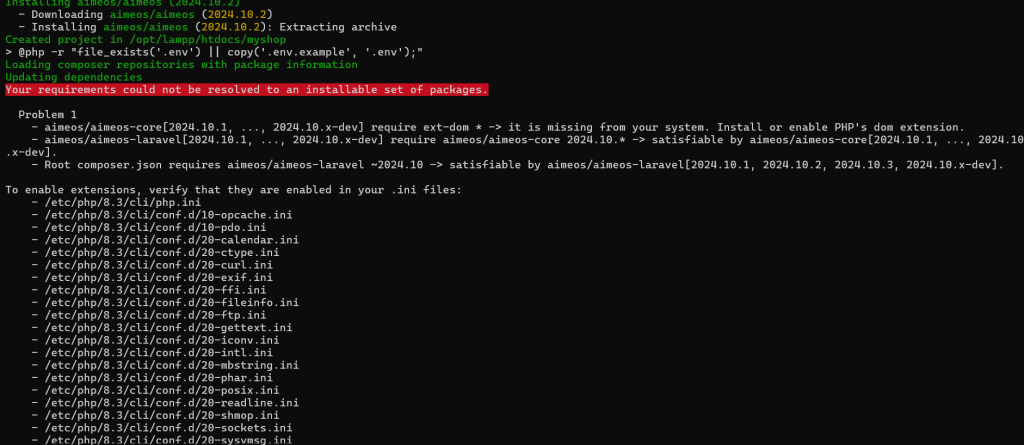
Troubleshooting PHP Extensions and Dependencies
Managing PHP Extensions
- Installation Verification: Use
php -mto list installed extensions and check required modules. - Resolving Issues:
- Check extension versions and install dependencies if missing.
Dependency Management with Composer
- Troubleshooting Dependencies:
- Use
composer diagnoseto check for issues. - Run
composer updatecarefully to avoid unexpected version upgrades.
- Use
Why PHP Troubleshooting is Important?
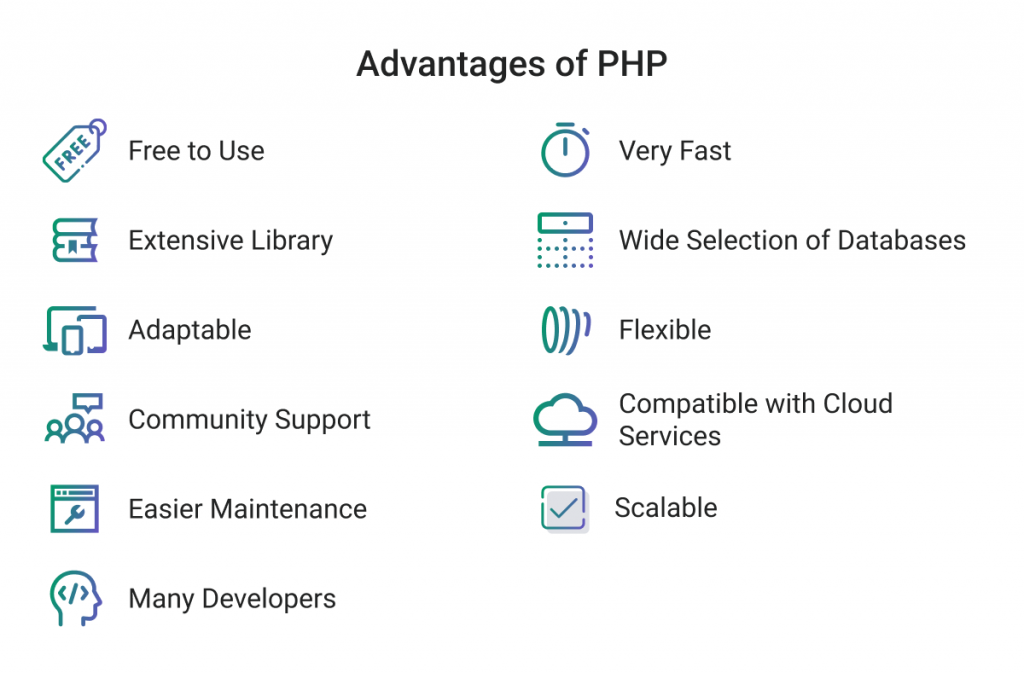
PHP Troubleshooting Advanced Guides” is essential for developers and IT professionals working with PHP for a few important reasons:
- Maintaining Application Stability: As applications grow in complexity, issues become harder to pinpoint and resolve. Advanced troubleshooting guides help developers tackle everything from syntax errors to complex runtime issues that, if unresolved, could lead to application crashes or degraded performance. A comprehensive troubleshooting guide provides step-by-step solutions that make it easier to maintain stable and reliable applications.
- Enhancing Performance: PHP is often used to build high-traffic websites, which means performance optimization is critical. Slow-loading applications can frustrate users and affect search engine rankings. Advanced troubleshooting techniques in PHP cover areas like memory management, database query optimization, and code profiling, allowing developers to identify bottlenecks and optimize their applications for faster response times.
- Ensuring Security: Security vulnerabilities are a major concern for web applications, and PHP applications are no exception. PHP troubleshooting guides address common security issues such as SQL injection, cross-site scripting (XSS), and command injection, providing insights on how to secure applications against these threats. This knowledge is crucial to prevent unauthorized access, data leaks, and other security breaches.
- Improving Developer Efficiency: Debugging can be time-consuming, especially for complex applications. A well-rounded troubleshooting guide enables developers to diagnose issues quickly using proven tools and techniques, such as Xdebug, logging, and advanced error handling. This improves overall efficiency, reducing downtime and freeing up time for other critical tasks.
- Supporting Seamless API and Dependency Integration: Many modern applications rely on third-party APIs and libraries to add features and functionality. Troubleshooting guides provide strategies to handle issues that may arise from API connections, data parsing, or dependency conflicts, ensuring smooth integration and reliable functionality of external services within PHP applications.
- Promoting Better User Experience: User satisfaction is directly impacted by application performance and reliability. PHP troubleshooting guides help developers implement user-friendly error handling and graceful failure mechanisms, reducing the impact of errors on end-users and enhancing the overall experience.
In short, a “PHP Troubleshooting Advanced Guide” is an invaluable resource for developers aiming to build secure, efficient, and high-performing PHP applications. It equips developers with the knowledge to proactively prevent issues and resolve complex problems, ultimately leading to a more resilient application and a smoother development process.