Flutter clean: Failed to remove build. A program may still be using a file in the directory or the directory itself.

Limited Time Offer!

For Less Than the Cost of a Starbucks Coffee, Access All DevOpsSchool Videos on YouTube Unlimitedly.
Master DevOps, SRE, DevSecOps Skills!

Enroll Now

Error:-

Failed to remove build. A program may still be using a file in the directory or the directory itself. To find and stop such a program, see:
https://superuser.com/questions/1333118/cant-delete-empty-folder-because-it-is-used

Solution:

This error occurs because a process (like your editor, emulator, or antivirus) is locking a file inside the build directory, preventing flutter clean from deleting it.

Hereโ€™s how to fix it step-by-step:

1. Identify Whatโ€™s Locking the File

Use Resource Monitor (built into Windows):

Step 1:- Press Ctrl + Shift + Esc to open Task Manager.
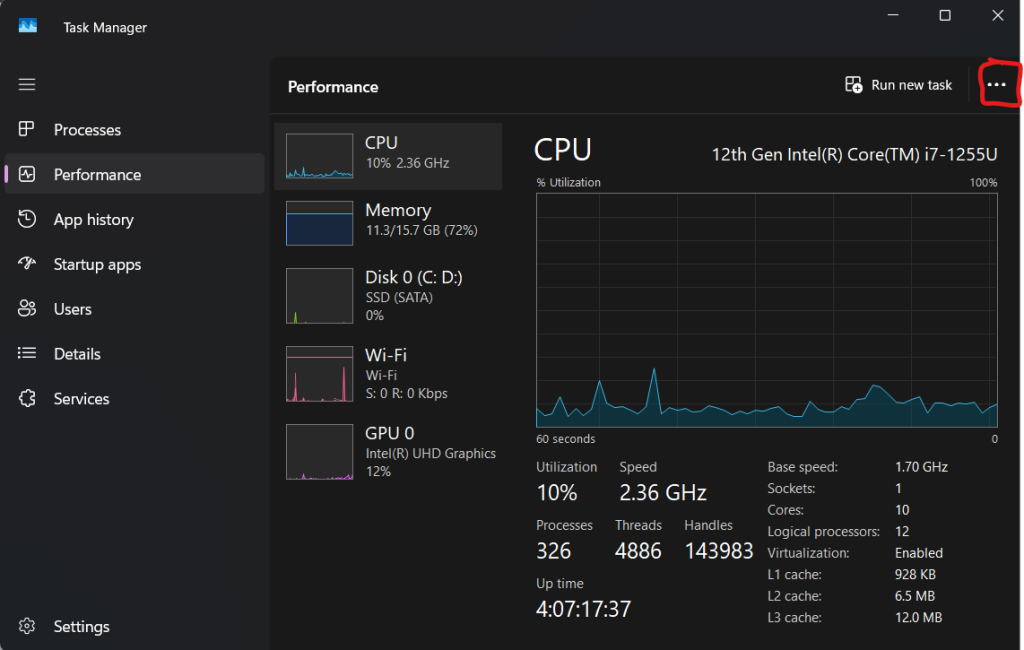
Step 2:- Go to Performance โ†’ Click Open Resource Monitor at the bottom.

Step 3:- In Resource Monitor, go to the CPU tab.
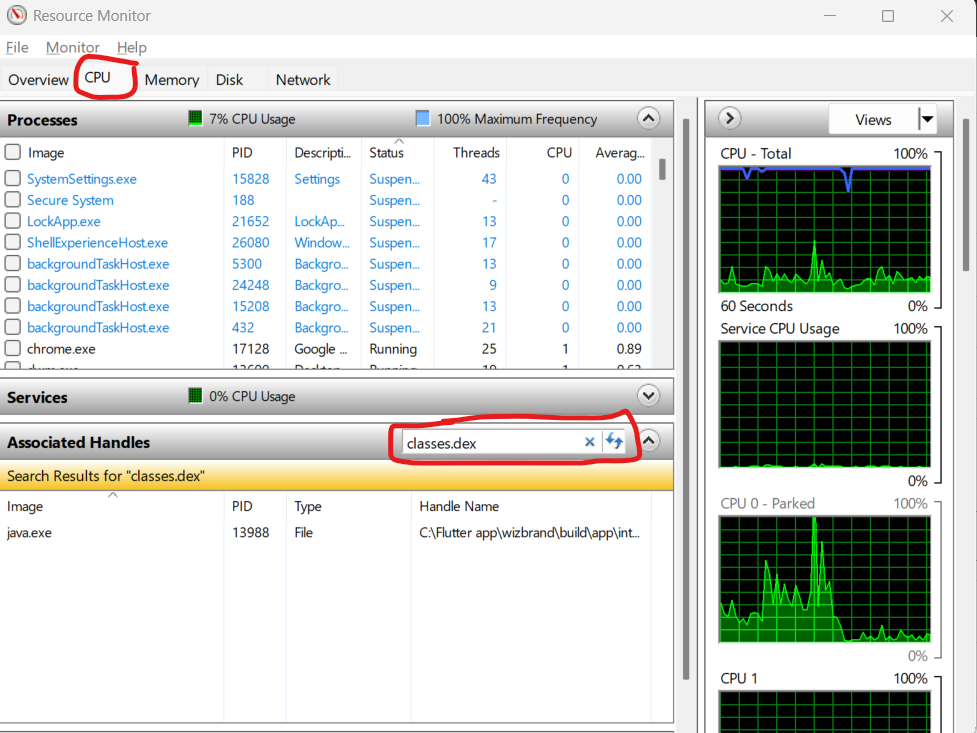
Step 4:- Use the Search Handle box (top right) and enter: classes.dex or even just: dex
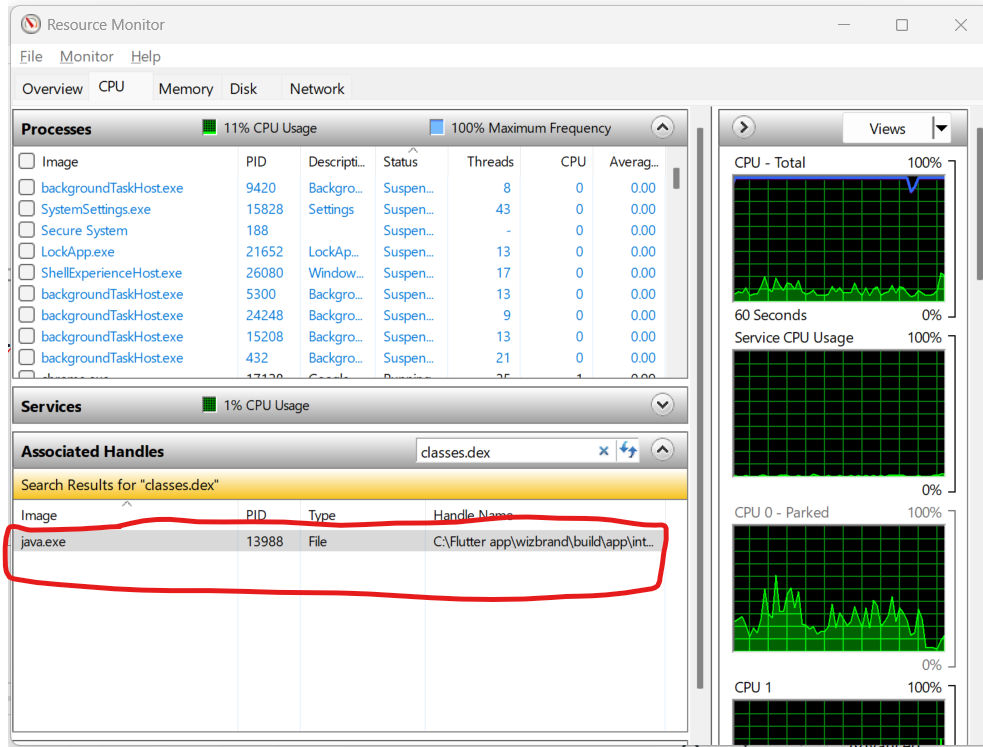
Step 5:- It will show you which process is using that file.


    2. Kill the Locking Process

    Once you find the process:

    • Right-click the process in Resource Monitor โ†’ End Process.
    • If it’s your IDE (like Android Studio or VS Code), just close it completely, including background tasks like Gradle Daemon or ADB.

    ๐Ÿ”ƒ 3. Retry flutter clean

    Go back to your terminal:

    flutter clean
    

    Should work now.


    Optional: Use Command Line Tool to Force Unlock

    If you prefer using command-line tools, install Process Explorer from Microsoft:

    • Run it as Administrator.
    • Press Ctrl + F and search for classes.dex.
    • Right-click the locking process โ†’ Kill Process.
    Senior Software Development Engineer at Cotocus

    Related Posts

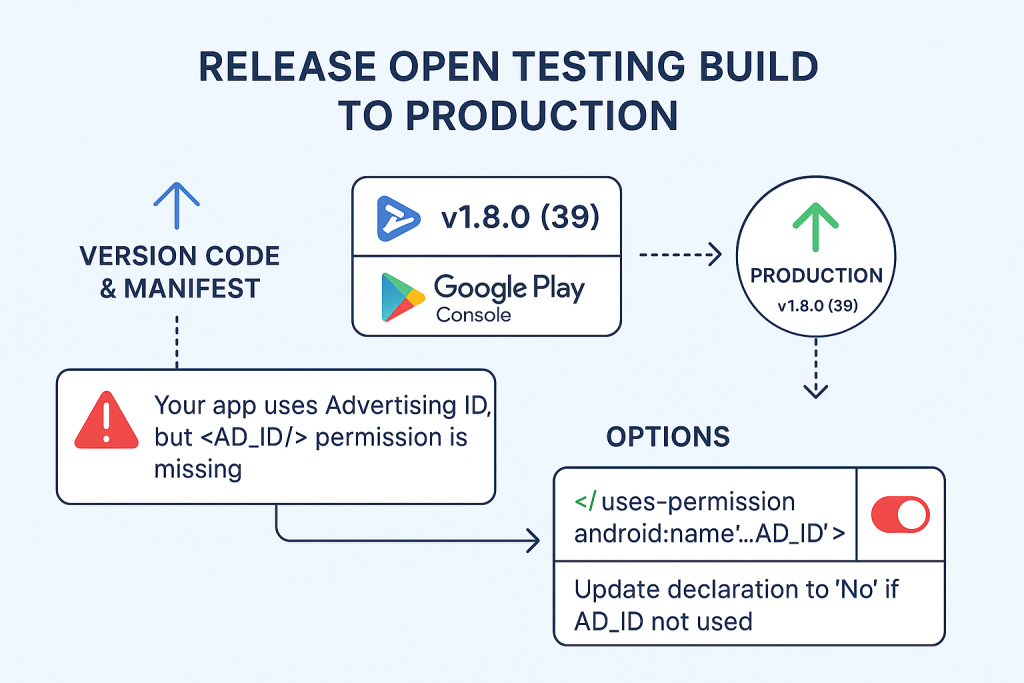
    Ship Open-Testing Build to Production on Google Play (Flutter)

    Limited Time Offer! For Less Than the Cost of a Starbucks Coffee, Access All DevOpsSchool Videos on YouTube Unlimitedly. Master DevOps, SRE, DevSecOps Skills! Enroll Now What…

    Read More

    Flutter + Paytm: Fixing โ€œNamespace not specifiedโ€, missing paytm package, and AGP 8 build errors (Complete Guide)

    Limited Time Offer! For Less Than the Cost of a Starbucks Coffee, Access All DevOpsSchool Videos on YouTube Unlimitedly. Master DevOps, SRE, DevSecOps Skills! Enroll Now 0)…

    Read More

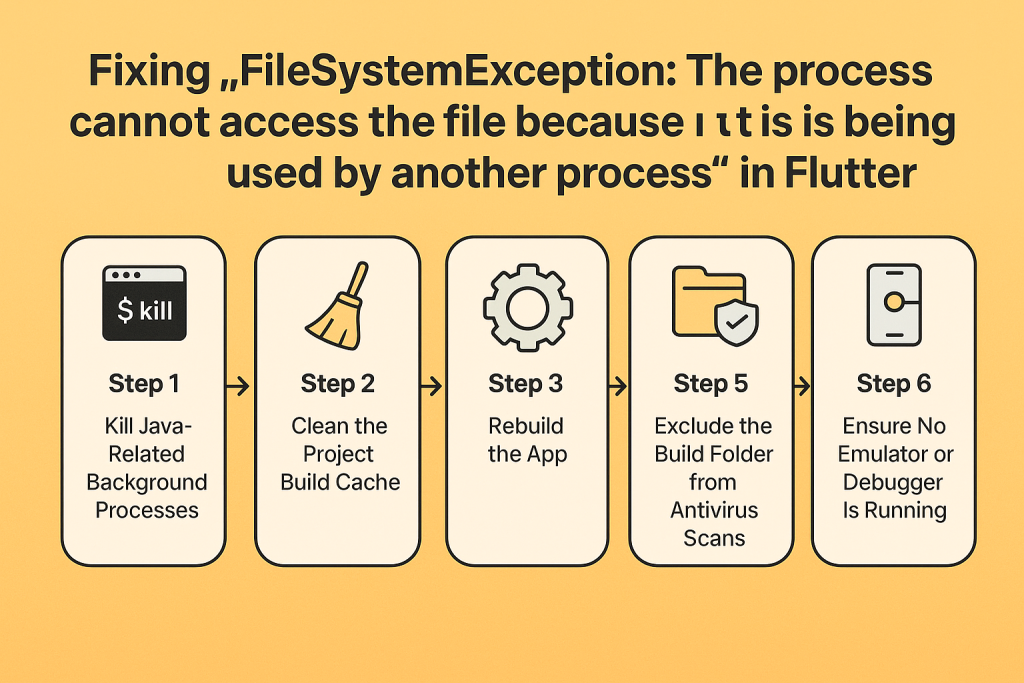
    Fixing โ€œFileSystemException: The process cannot access the file because it is being used by another processโ€ in Flutter

    Limited Time Offer! For Less Than the Cost of a Starbucks Coffee, Access All DevOpsSchool Videos on YouTube Unlimitedly. Master DevOps, SRE, DevSecOps Skills! Enroll Now Problem…

    Read More

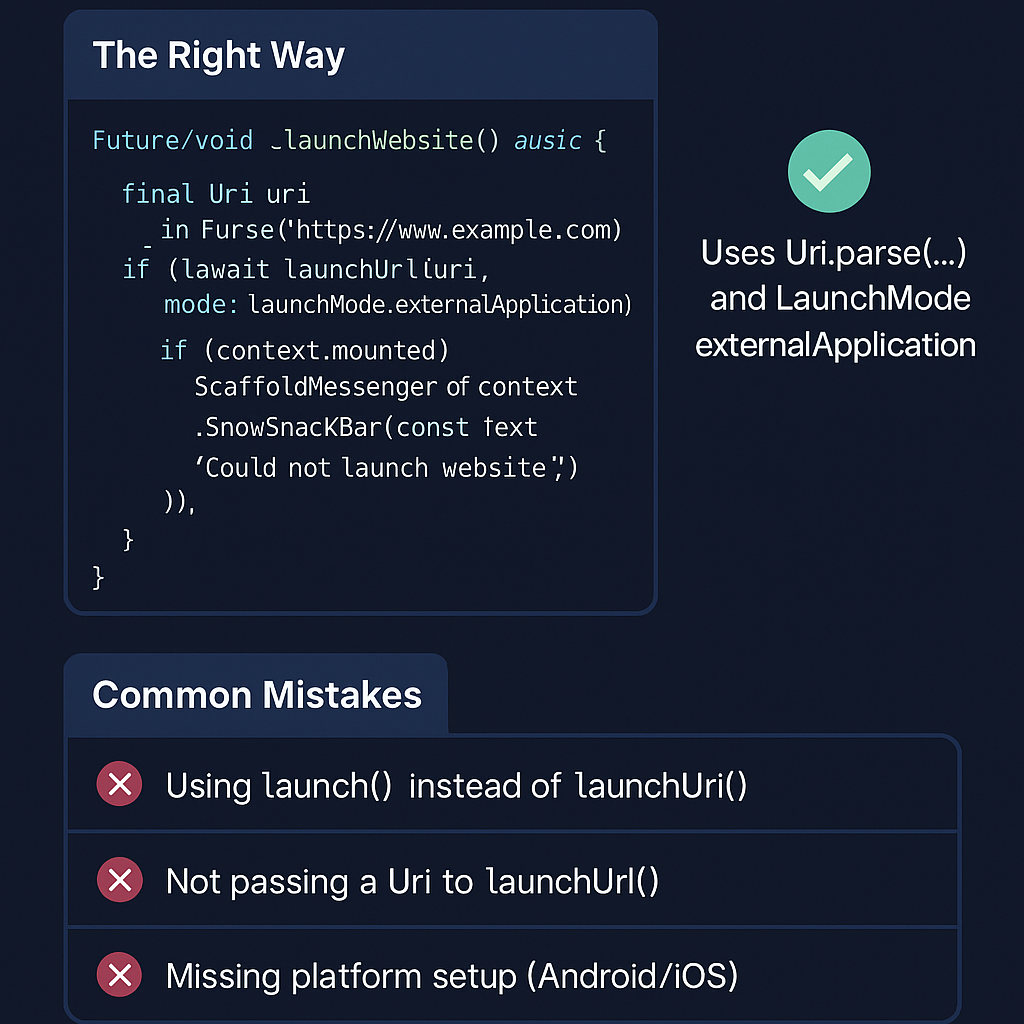
    Flutter Tutorial: How to Open a Website in the Browser

    Limited Time Offer! For Less Than the Cost of a Starbucks Coffee, Access All DevOpsSchool Videos on YouTube Unlimitedly. Master DevOps, SRE, DevSecOps Skills! Enroll Now Want…

    Read More

    The Ultimate Guide to Designing a Stunning UI for Your App (Built for Digital Marketers & SEO Engineers)

    Limited Time Offer! For Less Than the Cost of a Starbucks Coffee, Access All DevOpsSchool Videos on YouTube Unlimitedly. Master DevOps, SRE, DevSecOps Skills! Enroll Now Who…

    Read More

    How to Run Flutter Code Using VS Code with Emulator from Android Studio

    Limited Time Offer! For Less Than the Cost of a Starbucks Coffee, Access All DevOpsSchool Videos on YouTube Unlimitedly. Master DevOps, SRE, DevSecOps Skills! Enroll Now Step…

    Read More
    Subscribe
    Notify of
    guest
    0 Comments
    Oldest
    Newest Most Voted
    Inline Feedbacks
    View all comments