Limited Time Offer!
For Less Than the Cost of a Starbucks Coffee, Access All DevOpsSchool Videos on YouTube Unlimitedly.
Master DevOps, SRE, DevSecOps Skills!
This guide covers:
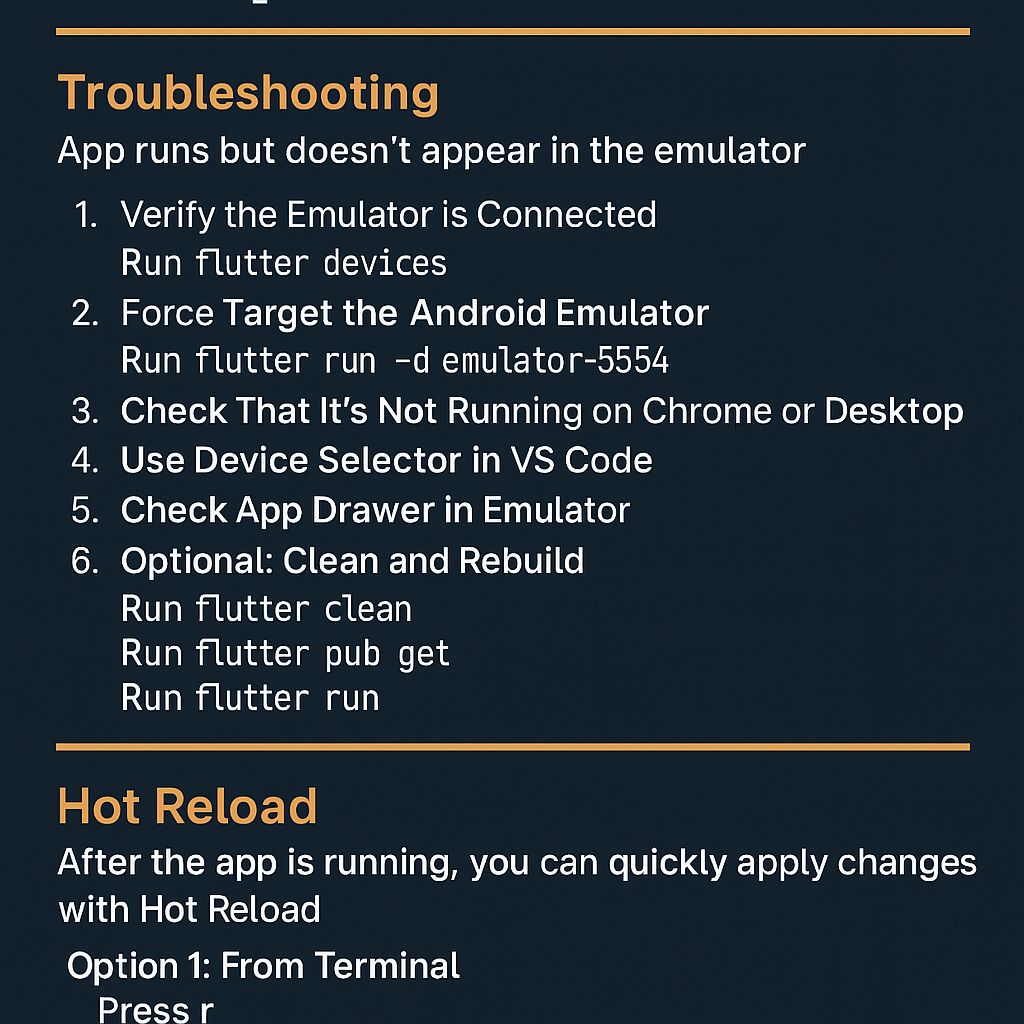
- What to do when your Flutter app runs but doesn’t show on the emulator
- How to perform hot reload correctly once the app is running
Part 1: Troubleshooting Flutter App Not Displaying on Emulator
Scenario:
You launched your Android emulator from Android Studio, and used Visual Studio Code to run your Flutter app. The command succeeds (flutter run), but the app doesn’t appear on the emulator.
✅ Step-by-Step Fix:
1. Verify the Emulator is Connected
In VS Code terminal, run:
flutter devices
Make sure your emulator is listed. You’ll see something like:
emulator-5554 • Pixel_5_API_33 • android-x86 • Android 13
2. Force Target the Android Emulator
Run the app on the specific device using:
flutter run -d emulator-5554
Replace
emulator-5554with your actual emulator ID from step 1.
3. Check That It’s Not Running on Chrome or Desktop
Sometimes flutter run defaults to a desktop or web target.
Run this to ensure Android is selected:
flutter run -d android
4. Use Device Selector in VS Code
At the bottom-right of VS Code, click the device selector and pick the emulator.
5. Check App Drawer in Emulator
If the app installed but didn’t launch:
- Open the app drawer in the emulator.
- Look for your app icon and launch it manually.
6. Optional: Clean and Rebuild
flutter clean
flutter pub get
flutter run
Part 2: Using Hot Reload in Flutter
Once your app is running on the emulator, you can make code changes and quickly apply them using Hot Reload.
🔁 What is Hot Reload?
Hot Reload injects updated source code into the Dart VM so you don’t lose app state. Great for UI or logic tweaks.
✅ How to Perform Hot Reload
Option 1: From Terminal
When running flutter run, just press:
r
Option 2: From VS Code
- Open Command Palette:
Ctrl + Shift + P - Type:
Flutter: Hot Reload→ hit Enter
Option 3: With Toolbar Button
If you’re debugging (F5), use the Hot Reload button (circular arrow) on the top bar.
🧪 Hot Restart (If Needed)
For a full app restart (not just UI updates), press:
R
in the same terminal window.