Limited Time Offer!
For Less Than the Cost of a Starbucks Coffee, Access All DevOpsSchool Videos on YouTube Unlimitedly.
Master DevOps, SRE, DevSecOps Skills!
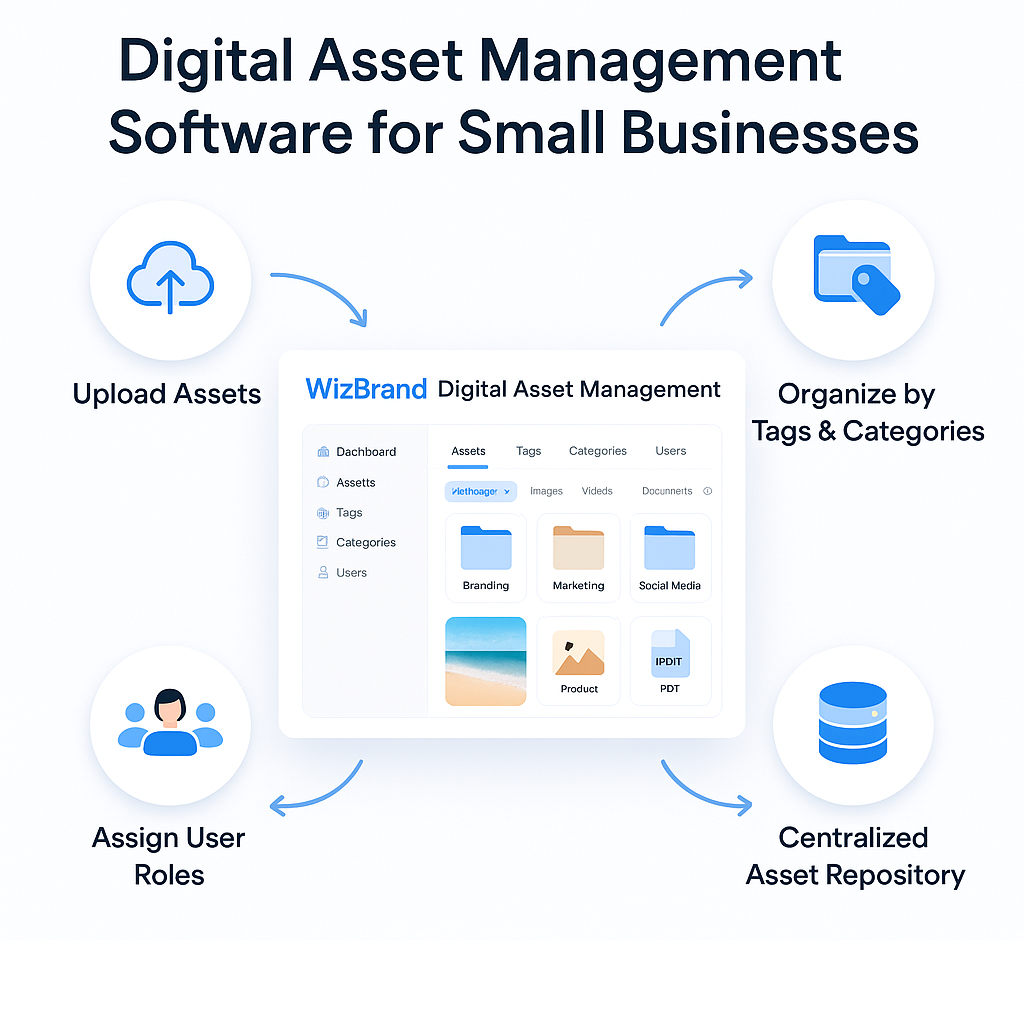
In today’s digital-first business landscape, small businesses are generating and handling more digital content than ever before—images, videos, marketing banners, logos, brochures, social media assets, product documents, training materials, and more. However, managing these assets manually—through local folders, cloud drives, or scattered platforms—leads to a chaotic, inefficient, and time-consuming workflow.
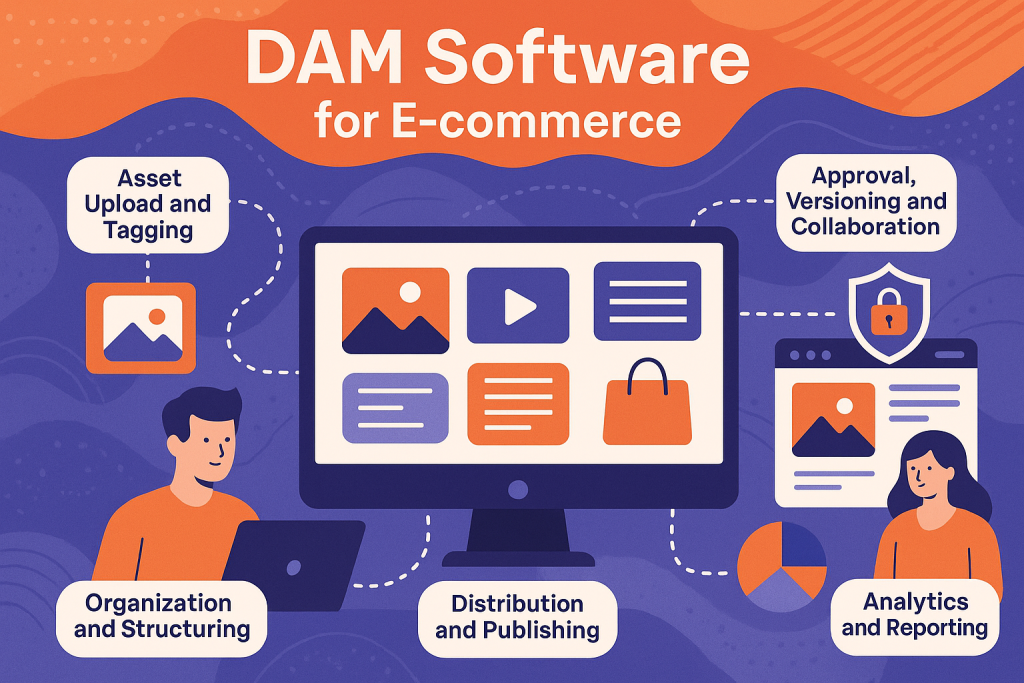
This is where Digital Asset Management (DAM) software becomes invaluable. A DAM system acts as a centralized repository to store, organize, manage, retrieve, and distribute all your digital files from a single dashboard. It ensures secure storage, easy retrieval, collaborative access, and complete lifecycle management of assets.
For small businesses, where every resource counts, adopting an affordable yet powerful DAM solution like WizBrand Digital Asset Management can be a game-changer—enabling productivity, consistency, and cost-effectiveness in managing brand resources.
2. Why Small Businesses Need a DAM Solution
Many small business owners and entrepreneurs underestimate the importance of a DAM platform, assuming it’s only for large enterprises. But in reality, small businesses often struggle more with organization and resource bandwidth. Here’s why a DAM is vital:
Time Efficiency
Employees waste time searching for files, recreating lost assets, or requesting access repeatedly. A DAM offers centralized, searchable storage.
Brand Consistency
With all logos, images, and brand guidelines in one place, marketing teams can ensure consistent communication across social media, email, and print campaigns.
Security and Access Control
Set user roles and permissions to prevent unauthorized access or accidental overwrites—important for growing teams and freelancers.
Collaboration Across Teams
Sales, marketing, design, and development can work together by accessing the same files and updates from a unified location.
Scalability
As your business grows, so do your assets. A good DAM grows with you—no need to reinvent your organization structure each time.
3. Features of WizBrand’s DAM Software for Small Businesses
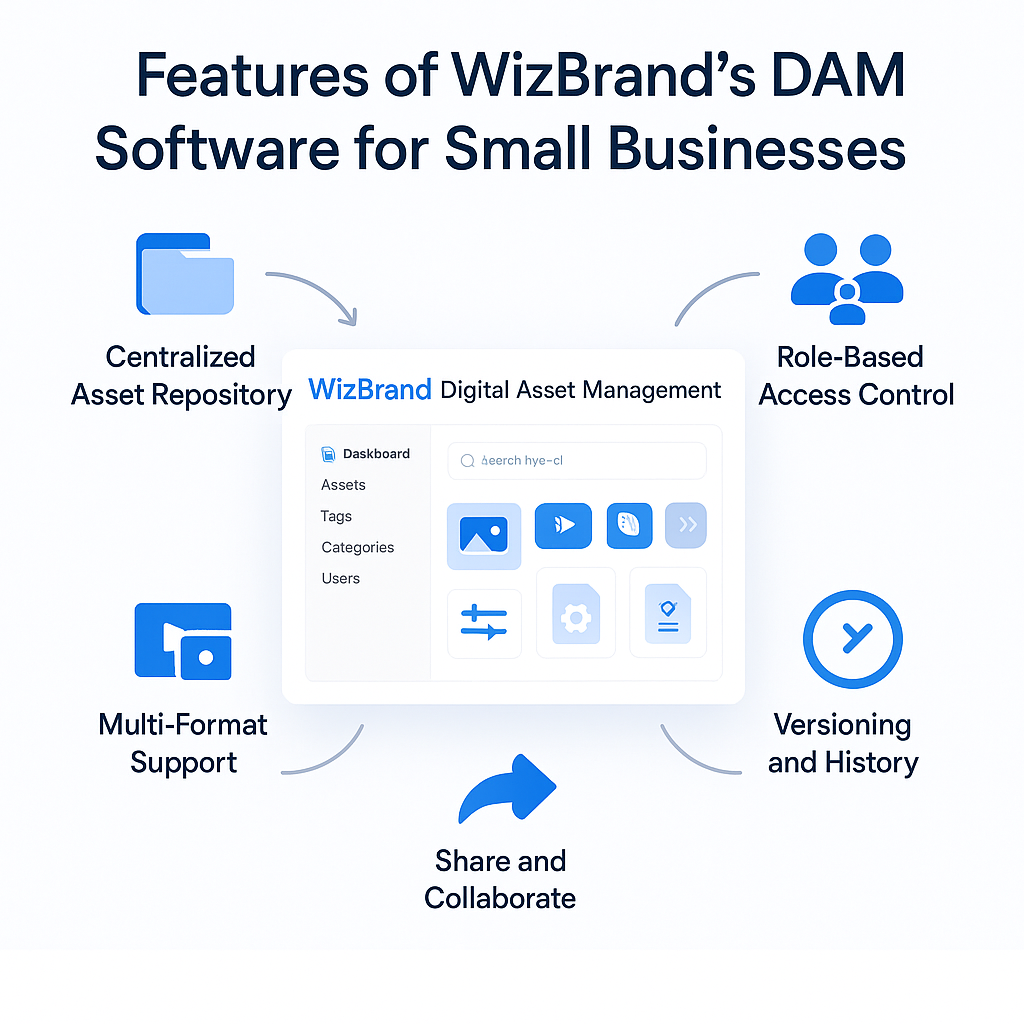
WizBrand has specifically designed its DAM system to meet the budget and operational needs of small-to-medium businesses (SMBs). Its feature set is both comprehensive and easy to use:
🔹 Centralized Asset Repository
All digital files are organized into categorized folders or tagged with custom metadata so you can retrieve them quickly.
🔹 Tagging and Metadata
Search files using tags, project names, media types, file extensions, or custom metadata fields. No more digging through folders manually.
🔹 Role-Based Access Control
You can create and manage user roles—whether admin, editor, or viewer—and control which assets they can upload, delete, or edit.
🔹 Versioning and History
Track changes in file versions, rollback to previous editions, and maintain transparency over edits—especially important for marketing or design assets.
🔹 Multi-Format Support
WizBrand supports a wide range of asset types—images (JPG, PNG, SVG), videos (MP4), documents (PDF, DOCX), presentations, source code files, and more.
🔹 Share and Collaborate
Share assets with your internal team or external clients securely with expiration-based links, download restrictions, or watermarking options.
🔹 Built-in SEO and Optimization
For digital marketers, WizBrand includes SEO tools and image compression utilities—helping improve performance for websites and campaigns.
🔹 Affordable Subscription
Unlike legacy DAM systems that cost thousands of dollars annually, WizBrand offers flexible pricing for startups and growing businesses.
4. How to Implement WizBrand DAM in a Small Business Setup
Implementing a digital asset management system doesn’t need to be complex. Here’s a step-by-step approach to setting up WizBrand DAM effectively:
Step 1: Sign Up and Create Your Workspace
Start by registering your organization and inviting team members. Choose a subscription plan that aligns with your budget and team size.
Step 2: Categorize Your Assets
Divide your files into logical categories such as “Branding”, “Social Media”, “Client Projects”, “Training Docs”, etc. Create folders accordingly.
Step 3: Upload Files
Bulk upload files via drag-and-drop. Add metadata such as tags, descriptions, and categories during upload to simplify retrieval later.
Step 4: Define Access Roles
Use WizBrand’s access management system to assign permissions based on job roles (e.g., designers can upload, clients can only view, etc.)
Step 5: Integrate with Your Workflow
Connect WizBrand DAM with other platforms you use like WordPress, Google Drive, Slack, or CMS systems using available APIs or integrations.
Step 6: Maintain Version Control
Encourage your team to replace files instead of duplicating them. Enable version tracking to maintain asset history and avoid confusion.
5. Benefits and ROI for Small Businesses
WizBrand’s DAM not only simplifies operations but also delivers measurable returns over time. Here are the major benefits small businesses enjoy:
Reduced Time Wastage
No more lost files or recreating designs. Employees can locate assets within seconds.
Higher Marketing ROI
Marketing campaigns become faster and more consistent—reducing cost per acquisition and increasing brand recall.
Better Team Productivity
Designers, marketers, developers, and content creators all work from the same resource base—minimizing duplication and confusion.
Audit and Compliance Support
Maintain asset logs, usage reports, and compliance documentation for clients or stakeholders.
Affordable Scaling
WizBrand grows with you—no need to migrate to a new DAM when your asset volume expands.
6. Conclusion: Why WizBrand is the Ideal DAM for Small Businesses
For small businesses, every minute, every file, and every customer impression counts. That’s why a robust yet affordable Digital Asset Management solution like WizBrand is not just a nice-to-have—it’s a strategic necessity.
Unlike bulky enterprise systems, WizBrand DAM is:
- Built with simplicity and efficiency in mind,
- Tailored to fit the workflows of small teams,
- Budget-friendly for startups and solopreneurs,
- Scalable as your business grows.
Whether you’re managing digital campaigns, launching new products, or supporting remote teams, WizBrand’s DAM ensures your digital assets are always secure, accessible, and well-organized.