Limited Time Offer!
For Less Than the Cost of a Starbucks Coffee, Access All DevOpsSchool Videos on YouTube Unlimitedly.
Master DevOps, SRE, DevSecOps Skills!
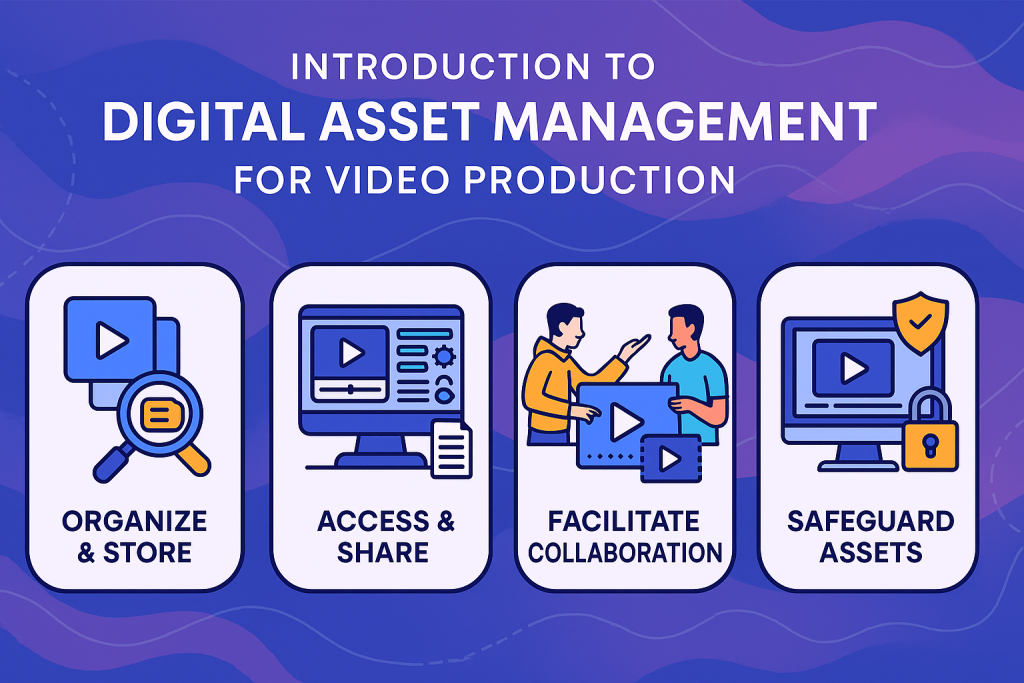
Introduction to Digital Asset Management (DAM) for Video Production
In today’s fast-paced video production landscape, managing a vast library of digital content is crucial. Digital Asset Management (DAM) provides an organized way to store, access, share, and safeguard films, b-roll, audio, scripts, graphics, and all creative elements associated with video projects. This process ensures content is both accessible and secure, streamlining workflows for video producers, editors, marketing teams, and clients.
DAM systems such as Wizbrand enable production teams to maximize the value of their assets, reduce time wasted searching for files, and maintain consistency throughout the lifecycle of a project1.
Why DAM Is Essential in Video Production
Video projects generate large volumes of media, including raw footage, project files, rendered clips, licensed music, and promotional materials. Without DAM, these assets can become scattered, leading to lost files, version confusion, and productivity loss.
Best DAM software bring order and efficiency by:
- Centralizing all video assets into one searchable repository.
- Automating tagging and metadata creation, making videos easy to locate.
- Enabling permissions control, so only authorized collaborators can access, edit, or share files.
- Simplifying version and revision tracking for seamless project management.
- Supporting collaboration across distributed teams and departments.
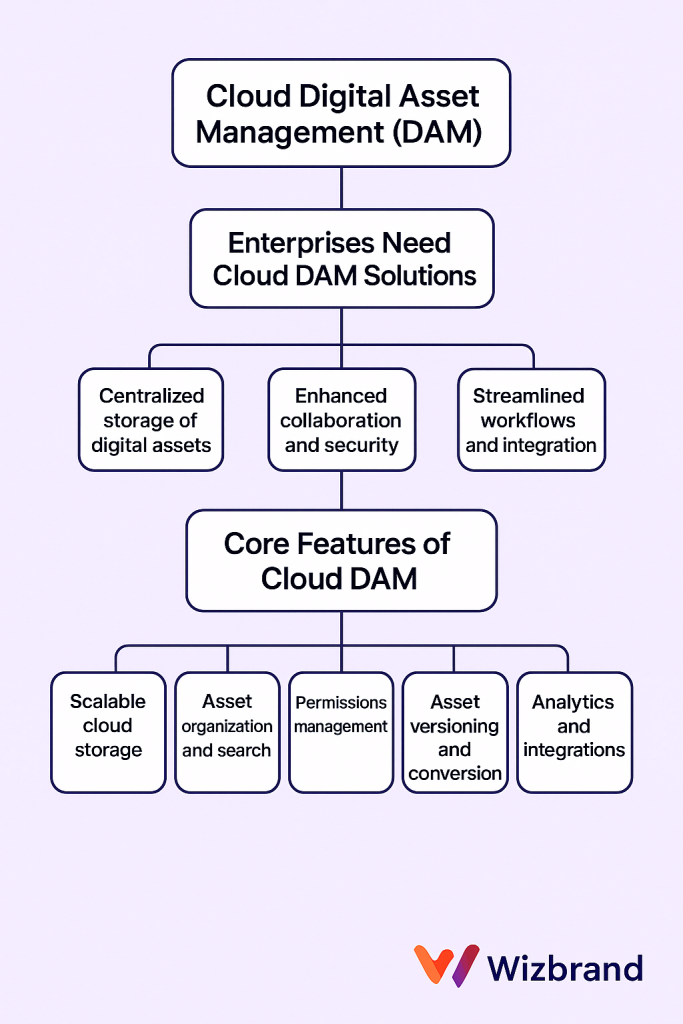
Key Features of a Powerful DAM Platform for Video
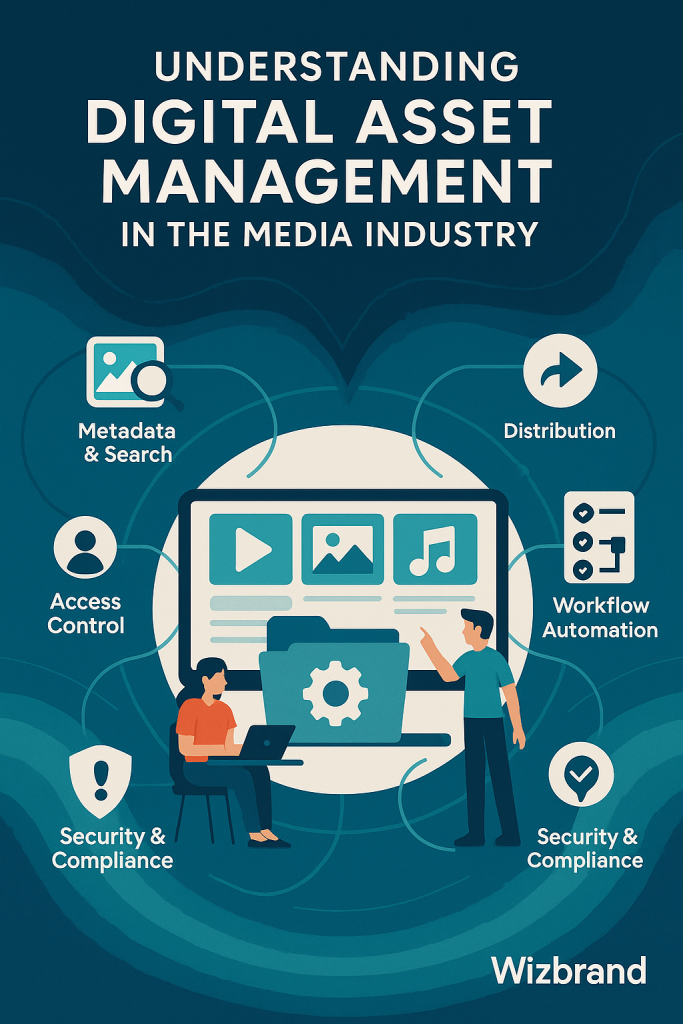
A feature-rich DAM platform designed for video production includes specialized tools and functions tailored to media-heavy workflows. With Wizbrand, you gain access to:
- Cloud-Based Storage: Securely host video files in a scalable, always-available environment, reducing dependency on physical drives or local servers.
- Advanced Search & Metadata: Instantly find assets using keywords, tags, descriptions, or custom metadata attached during upload or automatically generated.
- Automated File Management: Organize large video libraries by file type, project, campaign, or client, ensuring structure and cohesion.
- Role-Based Permissions: Assign user roles so editors, producers, and clients see only what’s relevant to their workflow, safeguarding sensitive content.
- Bulk Upload & Ingestion: Efficiently import hours of footage, stills, and supporting documents with drag-and-drop simplicity.
- Preview & Playback: Watch videos directly in the browser without needing to download, facilitating reviews and approvals.
- Collaboration Tools: Annotate clips, leave comments, and track edits, empowering teams to work together in real time from any location.
- Distribution & Sharing: Generate secure sharing links, control download permissions, and provide instant access for clients or external partners while maintaining brand consistency.
Workflow Improvements with DAM in Video Production
The adoption of DAM transforms traditional production workflows. Consider the following benefits for video professionals:
- Streamlined Pre-Production: Organize storyboards, scripts, reference footage, and casting reels in shared folders accessible to the whole creative team.
- Efficient Production Asset Organization: Upload dailies and project files on set, enabling instant review and faster decision-making by producers and directors.
- Optimized Post-Production: Automate version control for edits, maintain a transparent history of changes, and ensure editors work from the latest approved source.
- Archiving & Retrieval: Store completed projects for future use, repurposing footage for new campaigns, trailers, or social media content without re-editing from scratch.
- Marketing & Distribution: Tag assets for SEO, making them easy to find and republish across streaming platforms, social media, or press kits.
Security, Scalability, and Insights
For any video production team, security and scalability are core priorities. A modern DAM like Wizbrand delivers:
- Granular Access Controls: Only authorized users can access sensitive footage or unreleased material, reducing the risk of leaks.
- Backups and Redundancy: Regular cloud backups protect against hardware failures and accidental deletion.
- Usage Analytics: Generate reports on asset engagement to learn which videos resonate with your audience, guiding future content strategies.
- Scalable Storage: Seamlessly expand storage as your library grows, from independent films to large-scale productions.
Collaboration and Remote Workflows
Video production increasingly involves remote teams, freelancers, and clients spanning regions. DAM bridges this gap by:
- Allowing collaborators to access, download, and upload files from anywhere, removing the need for physical deliveries or insecure file transfer platforms.
- Facilitating client reviews with real-time feedback, reducing the number of review cycles and accelerating delivery.
- Maintaining consistent branding and messaging by sharing approved assets for trailers, thumbnails, or press material.
Maximizing ROI with DAM for Video
Investing in a DAM platform streamlines production, reduces bottlenecks, and increases the lifecycle value of every video asset. Production houses and agencies benefit from:
- Faster turnaround on projects thanks to instant asset retrieval.
- Reduced storage costs by eliminating duplicate files and obsolete versions.
- Enhanced repurposing of content for new markets, monetizing archival footage.
- Improved client satisfaction through transparency, organization, and timely delivery.
Implementing Wizbrand DAM for Your Video Production Workflow
To begin leveraging the power of DAM in video production with Wizbrand, follow these best practices:
- Define folder structures and naming conventions aligned with your production pipeline.
- Set up user roles and permissions based on team responsibilities.
- Tag assets thoroughly at the time of upload for maximum searchability later.
- Encourage team adoption with tailored onboarding and training.
- Regularly review and audit your asset library, archiving completed projects and removing redundant files.
Conclusion: Empowering Modern Video Producers
Digital Asset Management is a critical investment for any video production operation, from independent filmmakers to major studios. By organizing and protecting creative assets, empowering collaboration, and maximizing efficiency, a platform like Wizbrand ensures your video projects stay secure, accessible, and impactful from conception to delivery and beyond1.