Limited Time Offer!
For Less Than the Cost of a Starbucks Coffee, Access All DevOpsSchool Videos on YouTube Unlimitedly.
Master DevOps, SRE, DevSecOps Skills!
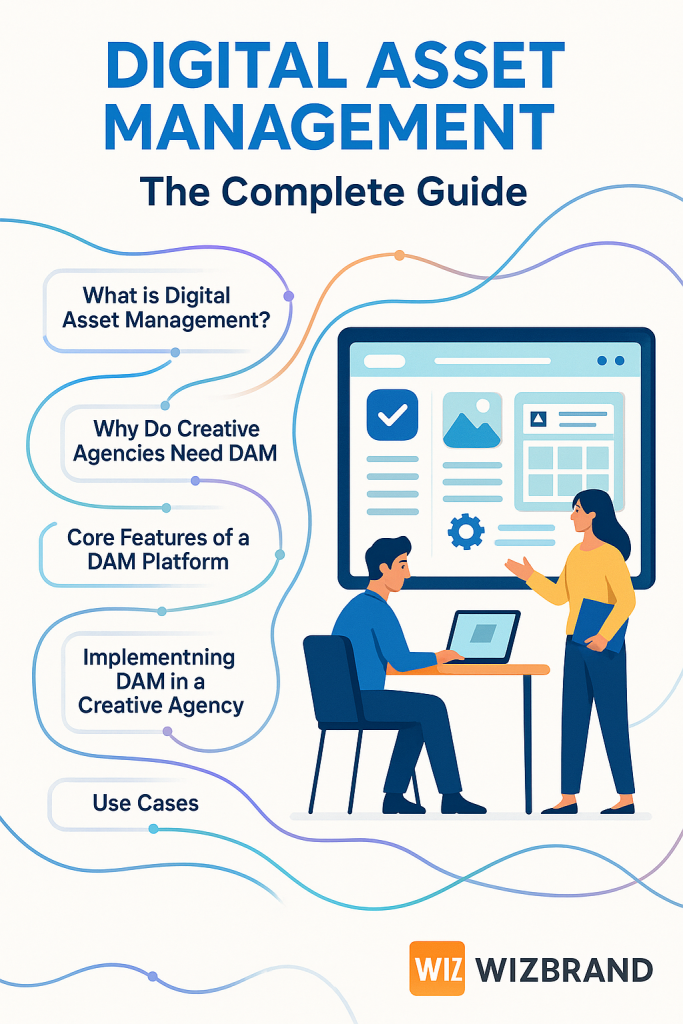
In the world of creative agencies, managing the ever-growing pool of digital assets—photos, videos, graphics, documents, and media files—is a daily challenge. Effective Digital Asset Management (DAM) not only streamlines workflows but also elevates collaboration, ensures brand consistency, and accelerates project turnaround. This comprehensive tutorial explores how creative agencies can leverage DAM, highlighting key strategies, workflows, and features, with a focus on solutions like Wizbrand’s Digital Asset Management platform
What is Digital Asset Management (DAM)?
Digital Asset Management is the structured process and platform for storing, organizing, managing, and distributing digital assets used in marketing, branding, advertising, and content production. For creative agencies, DAM serves as a backbone for all digital content, ensuring assets are easily discoverable, shareable, and secure.
Key Concepts:
- Digital Asset: Any digital file, such as images, videos, audio, graphics, artwork, templates, or presentation slides.
- Metadata: Information attached to assets—tags, keywords, copyright info, usage rights—to enhance search and organization.
- Centralized Repository: A secure location where all assets are stored, reducing duplicates and file version confusion.
Why Do Creative Agencies Need DAM?
Creative agencies thrive on collaboration, speed, and creativity. Without DAM, assets are scattered across emails, cloud drives, and desktops, leading to wasted time, version conflicts, and brand inconsistency.
Benefits for Creative Agencies
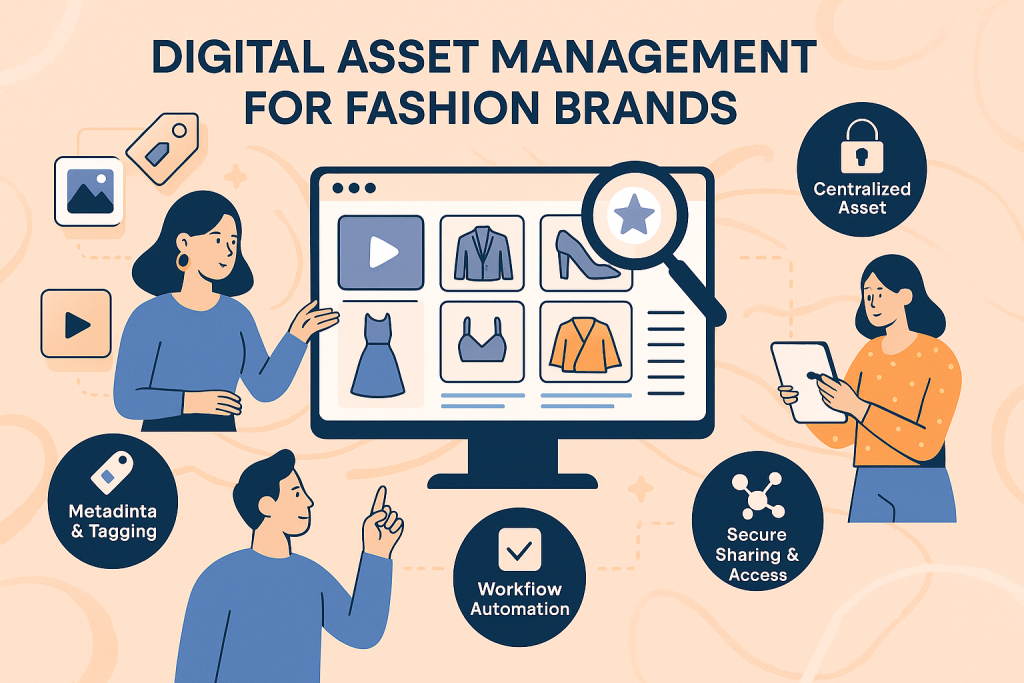
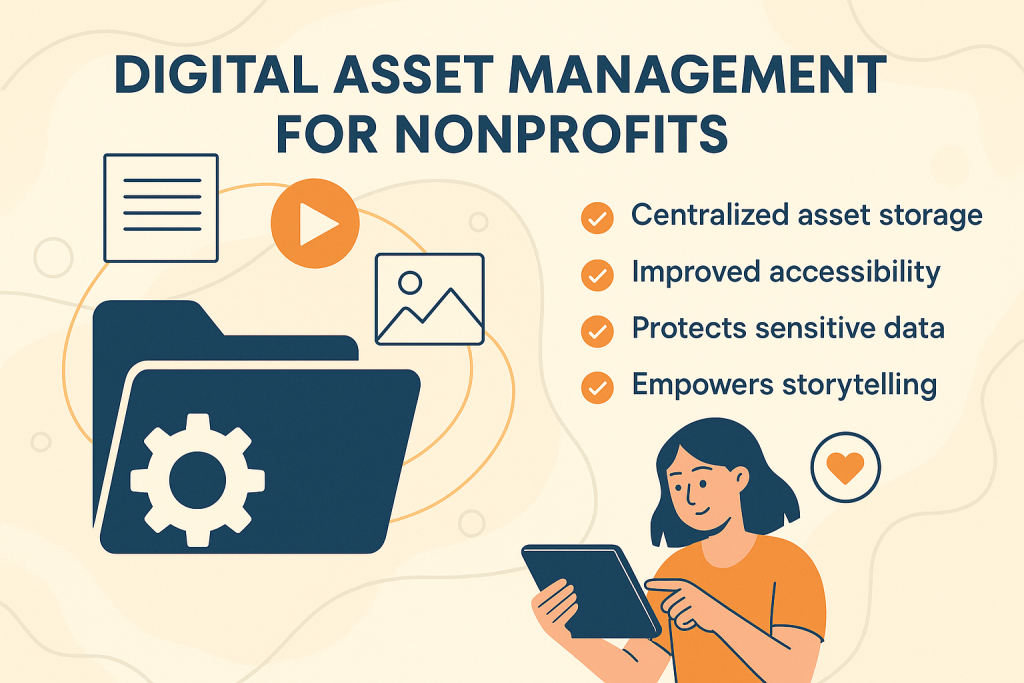
- Centralized Storage: One source of truth for all digital content, making retrieval instant and reliable.
- Efficient Search & Retrieval: Metadata, tagging, and advanced filters make asset discovery effortless, even with thousands of files.
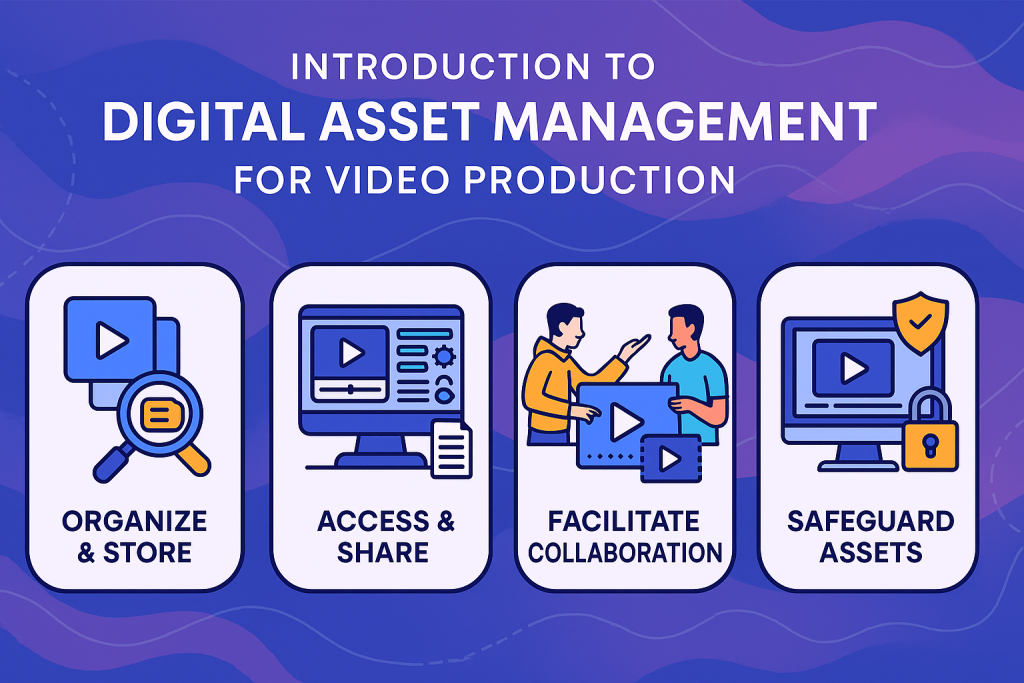
- Enhanced Team Collaboration: Seamless sharing, comments, and user permissions simplify teamwork across internal and external stakeholders.
- Brand Consistency: Enforce usage guidelines and control versions to maintain a unified look and message.
- Security & Rights Management: Safeguard intellectual property with access controls and rights clearance tools.
- Faster Project Delivery: Reduce asset search times and streamline approvals to meet tight deadlines.
Core Features of a DAM Platform for Creative Agencies
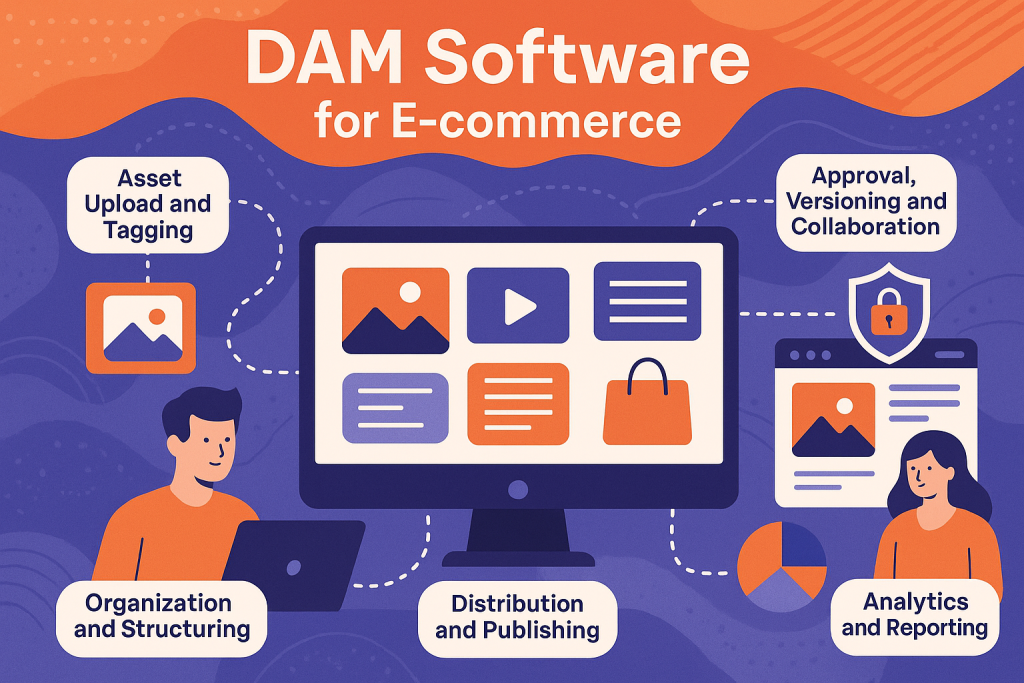
Modern DAM platforms, like Wizbrand, offer a suite of features designed to meet the unique needs of creative teams
1. Centralized Asset Repository
- Securely store all digital assets—images, videos, designs, logos, and more—in one location.
- Prevent file duplication, loss, or unauthorized modification.
2. Advanced Search & Metadata Management
- Use keywords, custom tags, and metadata fields to categorize and filter assets.
- Automate metadata creation using AI tools for faster indexing.
3. Version Control
- Maintain a record of asset versions to avoid outdated or incorrect usage.
- Revert or compare versions to ensure the most current content is used.
4. User Roles & Permissions
- Set access levels for teams, clients, and freelancers.
- Protect sensitive assets and tailor access according to team hierarchy.
5. Collaboration Tools
- Enable feedback loops with comments and approval workflows directly on assets.
- Share collections securely with clients and partners.
6. Integration Capabilities
- Sync with design, editing, and content management platforms (Adobe Creative Cloud, MS Office, CMS tools).
- Streamline content delivery to websites, social media, and ad campaigns.
7. Security & Backup
- Encrypted storage and secure protocols to protect IP and client information.
- Automated backups ensure data is never lost.
Step-by-Step: Implementing DAM in a Creative Agency
Step 1: Assess Your Asset Ecosystem
- Audit existing digital content: file types, sizes, locations, and frequency of use.
- Identify bottlenecks in your current asset management approach.
Step 2: Choose the Right DAM Solution
- Consider scalability, ease of use, integration, and feature set.
- Wizbrand is tailored for agencies, offering robust workflows, metadata management, and advanced security
- .
Step 3: Migrate and Organize Your Assets
- Transfer assets to the new DAM platform.
- Create a logical folder structure, standardized naming conventions, and assign metadata.
Step 4: Define User Roles and Permissions
- Set up roles for designers, copywriters, project managers, clients, and partners.
- Assign permissions to prevent unauthorized access or accidental edits.
Step 5: Train Your Team
- Offer onboarding sessions and documentation.
- Encourage consistent metadata tagging and use of search functionality.
Step 6: Integrate with Existing Workflows
- Connect DAM to design tools, project management apps, and publishing platforms.
- Automate repetitive tasks (e.g., resizing images, format conversion).
Step 7: Monitor & Optimize
- Track asset usage, search trends, and collaboration metrics.
- Solicit feedback and adjust metadata, taxonomy, or user workflows as team needs evolve.
Use Cases: DAM in Creative Agency Workflows
1. Branding Campaigns
Centralize all campaign visuals, audio, and copy in one space, ensuring brand assets are used correctly and efficiently.
2. Client Collaboration
Share curated collections with clients for feedback or approval, with access controls so clients only see what you want them to see.
3. Production & Post-Production
Enable editors and designers to access high-res source files instantly, streamlining video or graphics creation and editing.
4. Rights Management
Track license expirations and usage rights, reducing legal risk and enabling compliance with contracts or third-party terms.
Best Practices for Maximizing Your DAM Investment
- Standardize Asset Naming & Metadata: Develop guidelines for asset titles, tags, and descriptions.
- Regularly Audit & Purge Assets: Remove outdated or unused files to avoid clutter and confusion.
- Review User Permissions Quarterly: Ensure only the appropriate users have access to confidential or sensitive content.
- Encourage Feedback: Continuously refine workflows based on team input and asset usage insights.
- Embrace Integrations: Use DAM as the hub of your creative ecosystem—connect with email platforms, CMS, and publishing tools for smooth content distribution.
How Wizbrand DAM Empowers Creative Agencies
Wizbrand’s Digital Asset Management solution delivers comprehensive features tailored to the needs of creative agencies. Highlights include:
- Intuitive UI for non-technical users.
- Customizable metadata fields and advanced search.
- End-to-end security with user permissions.
- Scalable architecture to grow with your agency.
- Seamless integration with marketing and design software.
By deploying Wizbrand DAM, creative agencies can focus less on searching and organizing assets, and more on producing outstanding creative work
.
Conclusion
Implementing a robust DAM system is no longer optional for creative agencies—it’s essential for staying agile, productive, and competitive in today’s digital landscape. By embracing the principles and best practices outlined in this guide, and leveraging platforms like Wizbrand, agencies can unlock new levels of efficiency, collaboration, and creative excellence in asset management