Limited Time Offer!
For Less Than the Cost of a Starbucks Coffee, Access All DevOpsSchool Videos on YouTube Unlimitedly.
Master DevOps, SRE, DevSecOps Skills!
The Marketing Challenge in the Digital Era
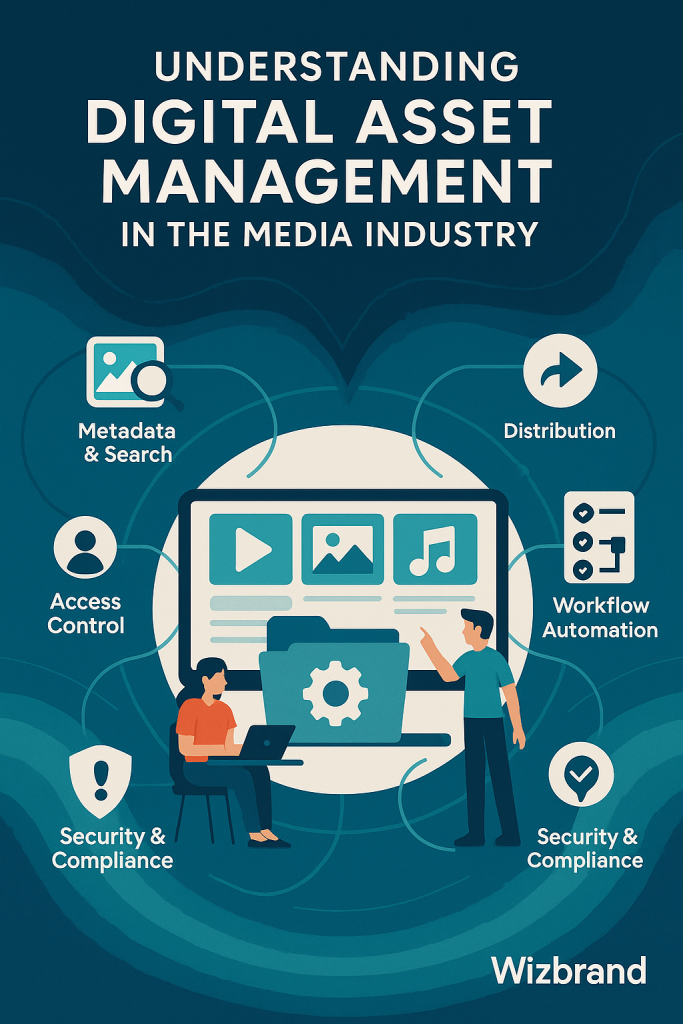
Marketing teams today are facing unprecedented pressure to deliver fast, consistent, high-quality content across multiple platforms. With hundreds—or even thousands—of digital assets like brand images, videos, presentations, infographics, product brochures, and ad creatives to manage, it’s easy for teams to lose control.
That’s where Digital Asset Management (DAM) comes in.
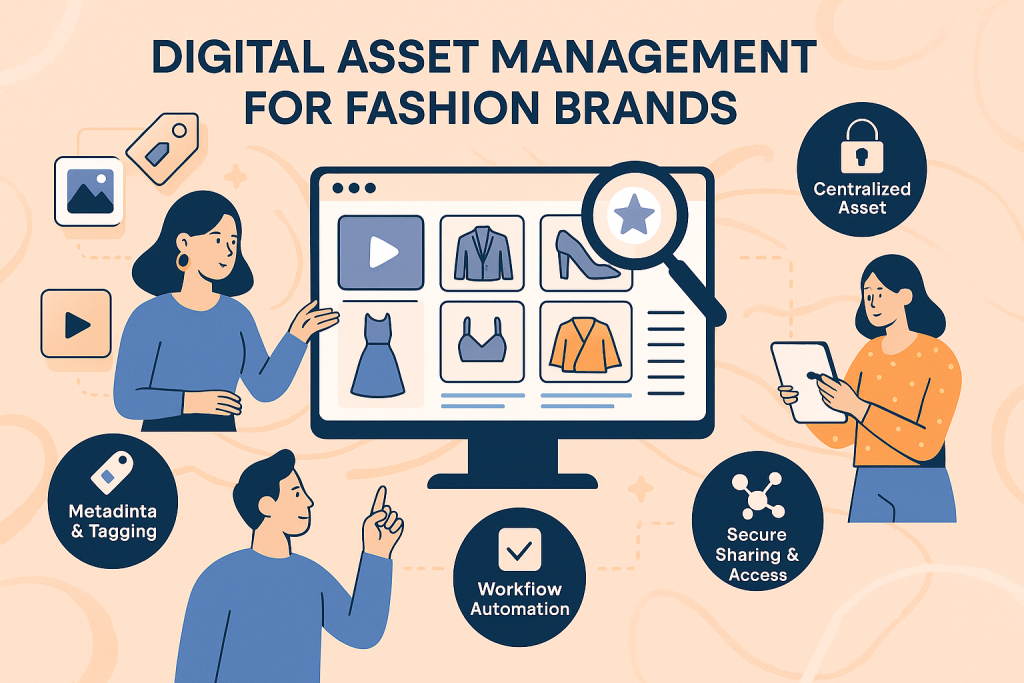
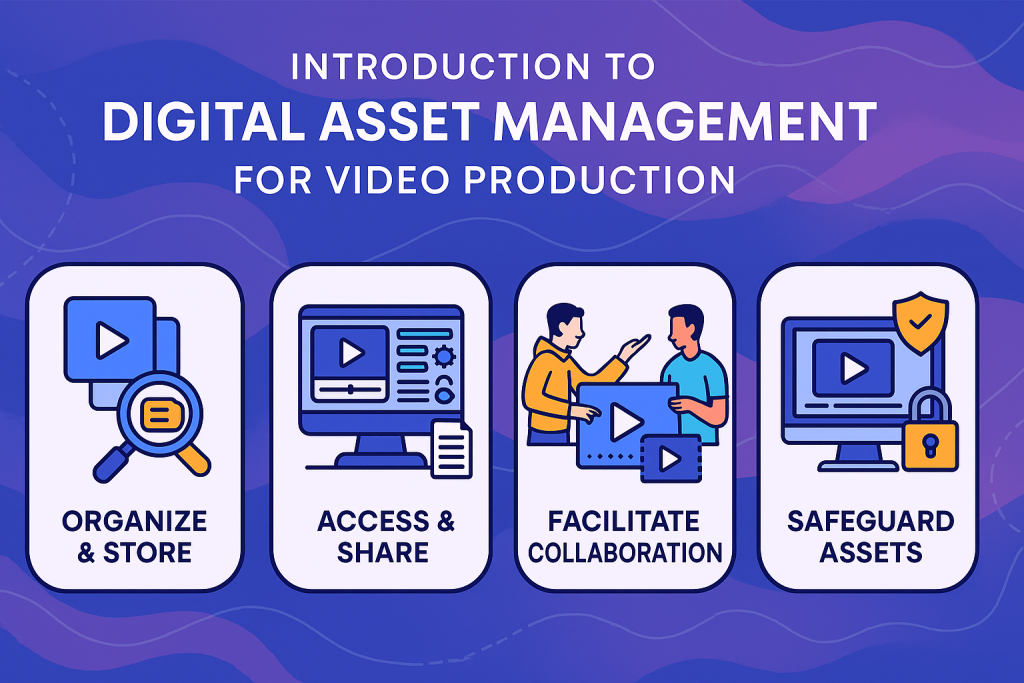
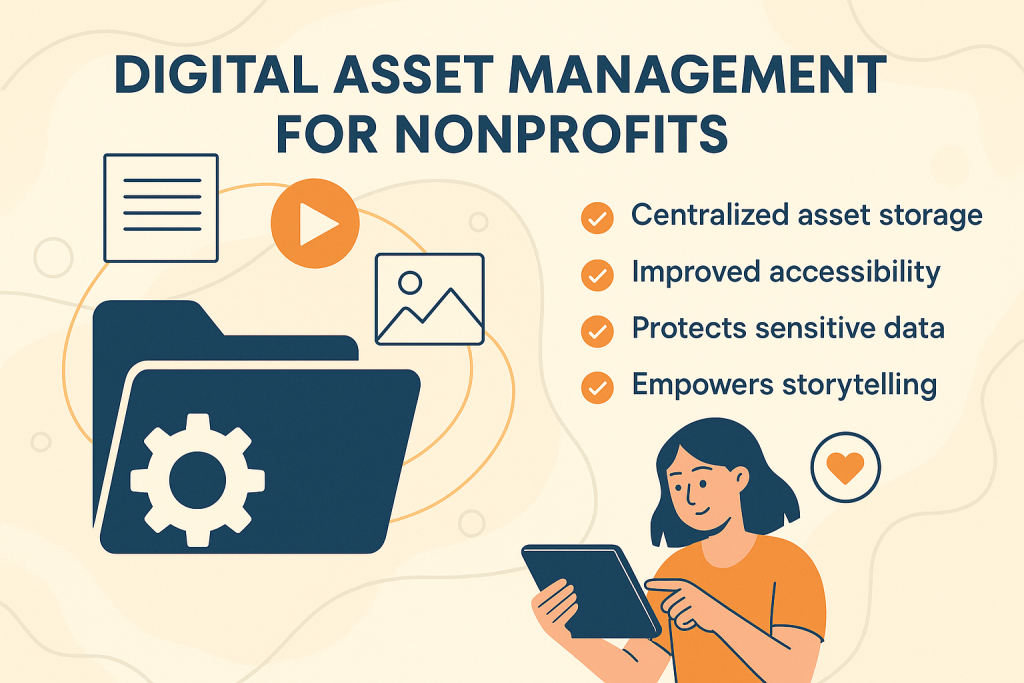
A robust DAM system allows marketing professionals to centralize, organize, distribute, and repurpose digital content efficiently—eliminating silos, reducing rework, ensuring brand consistency, and enabling faster campaign execution.
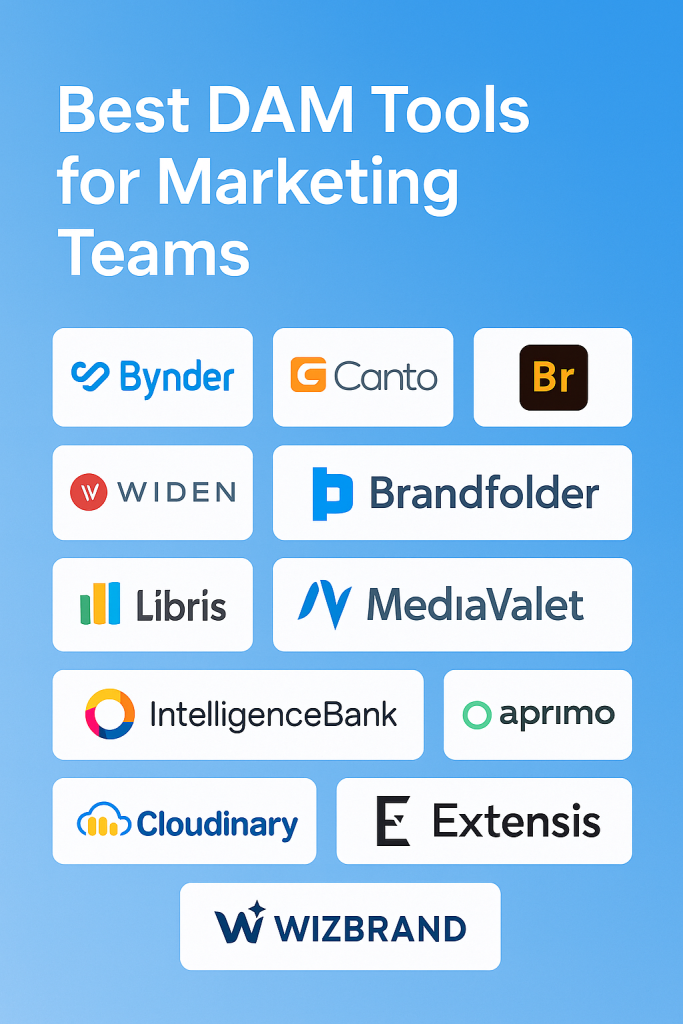
This tutorial explores the best DAM tools for marketing teams, the must-have features to look for, and how solutions like Wizbrand DAM are solving real problems for modern marketing departments.
What Is Digital Asset Management (DAM) for Marketing?
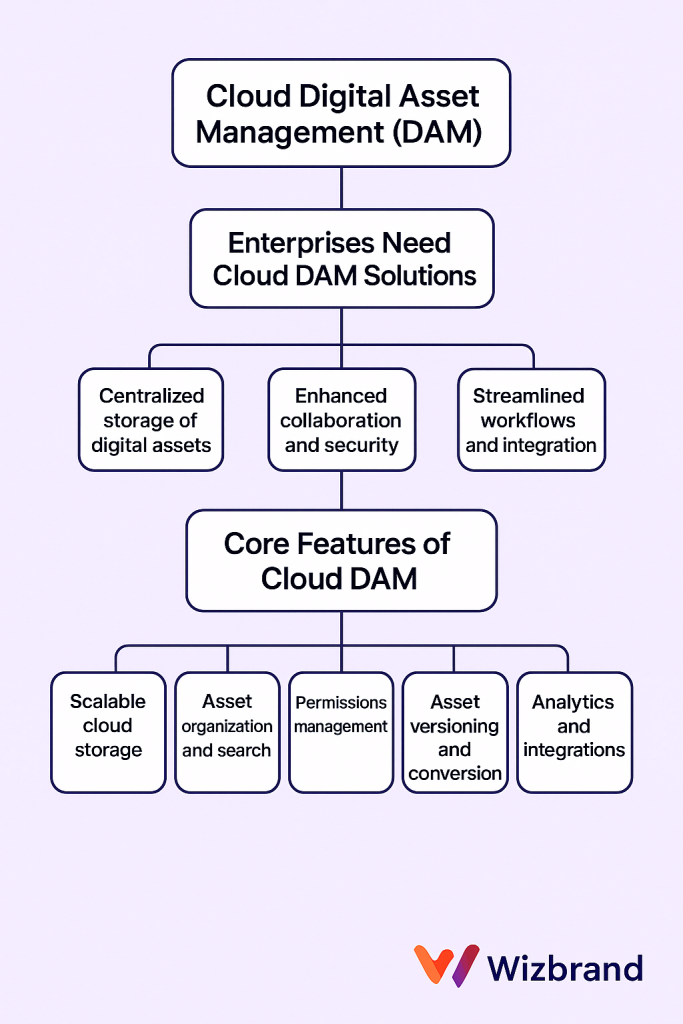
DAM is a centralized repository that allows marketing teams to store, organize, manage, retrieve, and distribute digital content effectively. But for marketers, it’s more than just a file library—DAM becomes a strategic tool that:
- Accelerates creative workflows
- Enables team collaboration
- Ensures brand governance
- Tracks asset usage and performance
- Reduces time wasted searching for files
- Supports omnichannel content delivery
With the right DAM in place, marketers spend less time managing files and more time creating value.
Why Marketing Teams Need DAM Now More Than Ever
Marketing campaigns today are omnichannel by nature—social media, email marketing, website, landing pages, print ads, influencer content, etc. Managing content across these channels without a DAM is inefficient and error-prone.
Key Challenges Marketing Teams Face Without DAM:
- Content chaos – Files are scattered across drives, emails, or team chats.
- Version control nightmares – Outdated or wrong versions used in campaigns.
- Inconsistent branding – Non-compliance with latest brand guidelines.
- Time wasted searching – Hours lost looking for approved creatives.
- Slow approval workflows – Bottlenecks in creative collaboration and feedback.
A DAM solution directly addresses these pain points by bringing structure, speed, and visibility to marketing operations.
Features to Look for in the Best DAM Tools for Marketers
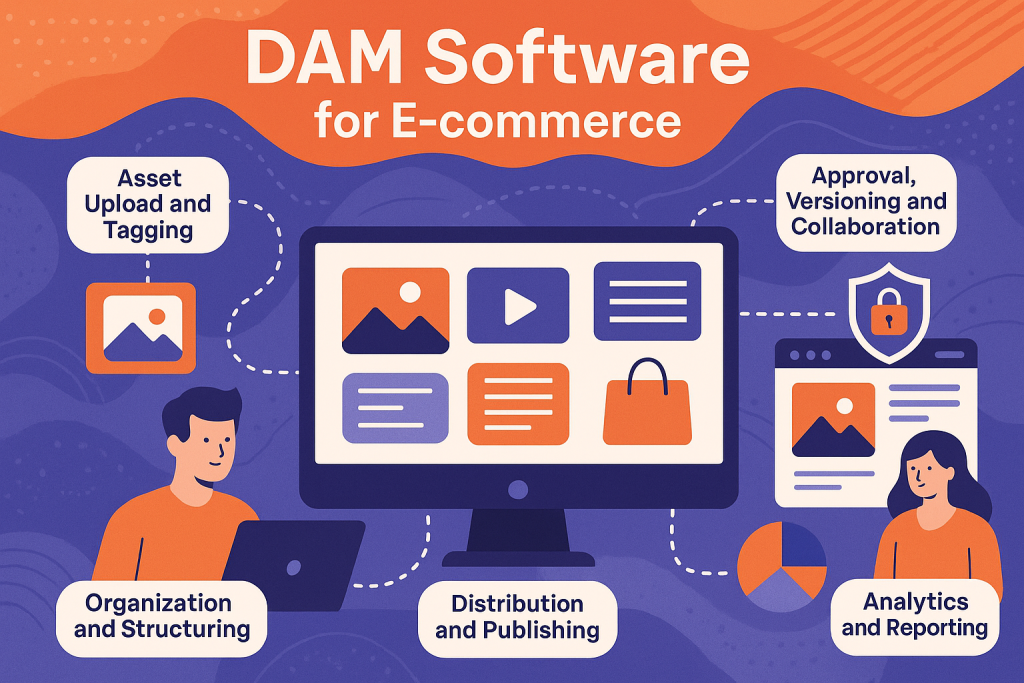
When choosing a DAM tool for your marketing team, look beyond basic storage. Here are the must-have features:
1. Centralized Media Library
Everything stored in one place with role-based access.
2. Powerful Search & Tagging
Search by filename, tags, metadata, usage rights, and more.
3. Versioning and Approval Workflows
Track revisions, approvals, and comments on assets easily.
4. Brand Kit Management
Store logos, fonts, brand colors, templates, and ensure brand consistency.
5. Integrations
Connect to CMS, social media platforms, creative tools (e.g., Adobe), or project management systems.
6. Permission Controls
Give access based on roles—designers, copywriters, external agencies, etc.
7. Usage Analytics
Understand which assets perform best and who is using them.
8. Secure Sharing and Expiry Links
Send content securely with tracking and expiry options for temporary access.
A great DAM tool must be intuitive, scalable, secure, and tailored to the fast-paced needs of marketing teams.
Wizbrand – A Modern DAM Platform Tailored for Marketers
Wizbrand offers a powerful, cloud-based DAM system that ticks all the boxes for marketing teams—especially those looking to streamline collaboration, campaign execution, and content performance tracking.
Key Advantages of Wizbrand DAM:
- All-in-One Dashboard: Manage media, campaigns, URLs, and reports from a single platform.
- SEO-Ready Asset Management: Designed with visibility and optimization in mind.
- Project-Based Organization: Group assets under specific campaigns or clients.
- Role-Based Access: Secure collaboration with freelancers, agencies, or internal departments.
- Asset Version Control: Keep track of every update, rollback, and comment.
- Auto Expiry and Audit Logs: Maintain control over how long assets stay active and track every interaction.
- User-Friendly UI: Clean, intuitive, and optimized for team workflows.
Whether you’re managing a global brand or running campaigns for multiple clients, Wizbrand adapts to your marketing goals—without complexity.
How to Choose the Right DAM Tool – A Step-by-Step Approach
Choosing the best DAM software isn’t just about picking the most popular one—it’s about finding what aligns with your team’s size, needs, workflow, and goals.
Step 1: Identify Your Use Cases
Is it for branding, campaign assets, agency collaboration, or social media distribution?
Step 2: Map Your Workflow
Who creates assets? Who approves them? Who needs to access them?
Step 3: Define Your Asset Volume
Do you have hundreds, thousands, or millions of assets to manage?
Step 4: Assess Integration Needs
Do you want to integrate with project management tools, CMS, or CRMs?
Step 5: Compare Tools Based on:
- Feature set
- Scalability
- Learning curve
- Support options
- Cost of ownership
Step 6: Run a Pilot
Shortlist 2–3 DAM platforms and run a trial with real users and real use cases.
With tools like Wizbrand offering robust DAM at a fraction of the cost of legacy platforms, even growing teams can now afford world-class content management infrastructure.
Benefits Realized by Marketing Teams Using DAM
DAM isn’t just a backend storage system—it actively empowers your marketing strategy. Teams that adopt DAM effectively report:
- 30–50% reduction in time spent locating content
- Consistent branding across all channels
- Improved ROI from repurposed assets
- Faster go-to-market time for campaigns
- Better team collaboration and transparency
The return on investment is not just financial—it’s also in speed, confidence, brand value, and campaign results.
Conclusion: Transform Your Marketing Operations with the Right DAM
In 2025 and beyond, agility, speed, and consistency are the pillars of successful marketing. With content demands growing rapidly, a DAM system isn’t a luxury—it’s a necessity.
Whether you’re a small team managing brand visuals or an enterprise-level marketing department rolling out global campaigns, the right DAM solution can become your content backbone.
Tools like Wizbrand DAM offer the right balance of power, flexibility, and ease of use to help your marketing team thrive.
Explore the full suite of features at Wizbrand Digital Asset Management and empower your team to work smarter, not harder.