Limited Time Offer!
For Less Than the Cost of a Starbucks Coffee, Access All DevOpsSchool Videos on YouTube Unlimitedly.
Master DevOps, SRE, DevSecOps Skills!
Drupal 10 installation on Windows requires multiple steps. Here is a thorough how-to to assist you with the procedure:
What are the Prerequisites for installing drupal 10?
- Web Server: Apache, Nginx, or IIS.
- Database Server: MySQL, MariaDB, or PostgreSQL.
- PHP: Version 8.1 or higher.
- Composer: PHP dependency manager.
Step-by-Step Installation Guide
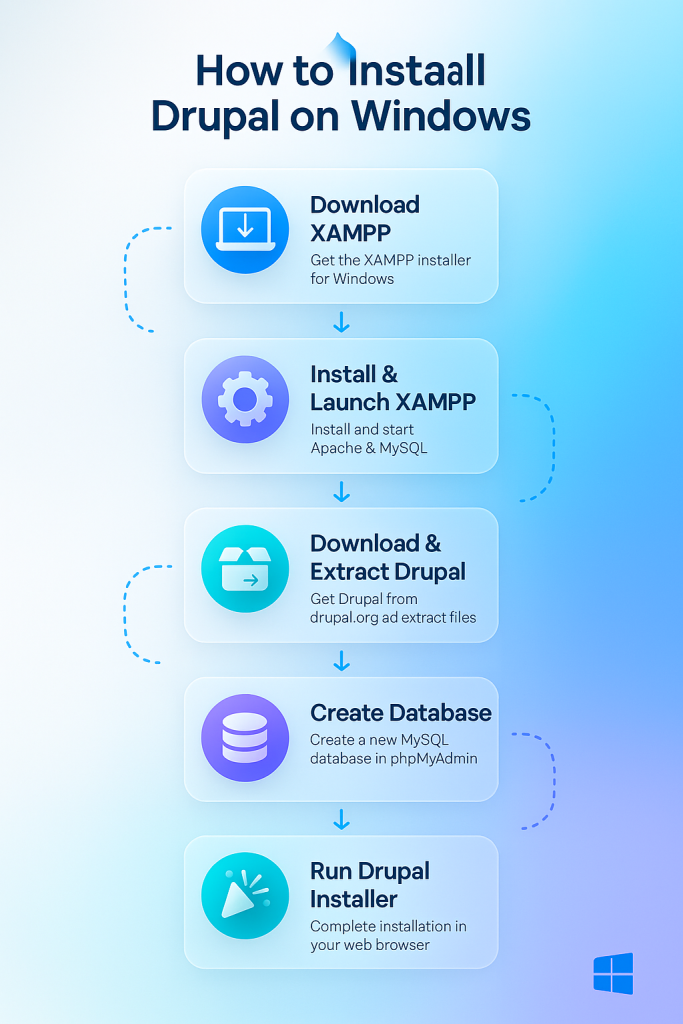
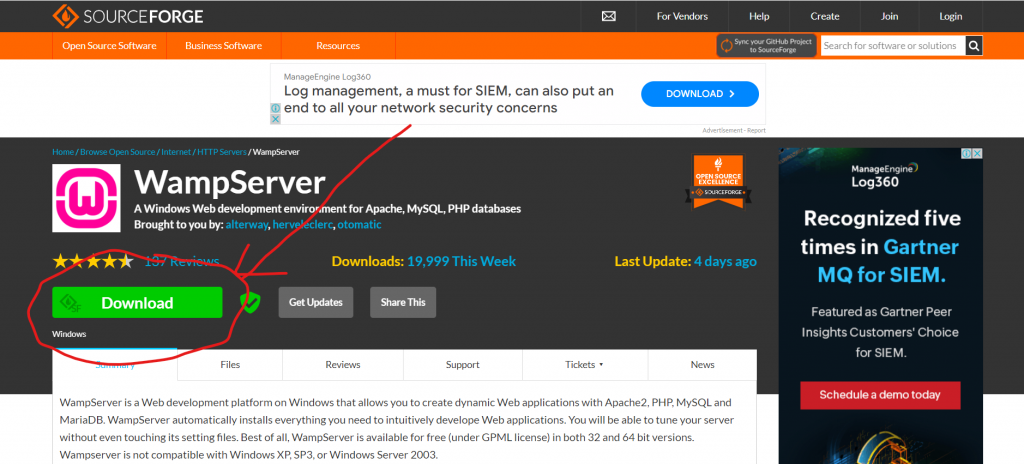
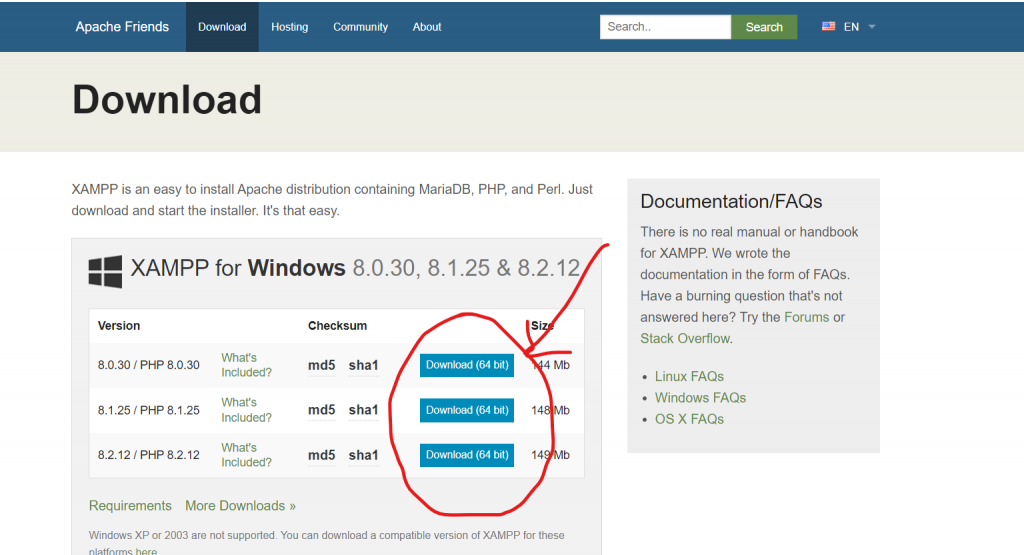
Step 1: Install WAMP/XAMPP:-
You can use WAMP (Windows, Apache, MySQL, PHP) or XAMPP (Cross-Platform, Apache, MariaDB, PHP, Perl) to set up a web server environment.
Step 2: Install Composer:-
- Download Composer from getcomposer.org.
- Run the installer and follow the installation wizard.
Step 3: Download Drupal 10:-
- Open a command prompt (cmd).
- Navigate to your web server’s document root directory. For example, if you’re using XAMPP, it might be
C:\xampp\htdocs.
cd C:\xampp\htdocs- Use Composer to create a new Drupal project:
composer create-project drupal/recommended-project my_drupal_siteDrupal will be downloaded and stored in a folder called my_drupal_site as a result.
Step 4: Set Up a Database:-
- Go to http://localhost/phpmyadmin by opening a web browser.
- Make a fresh Drupal database. Put drupal10 as an example.
- Make a note of the login, password, and database name.
Step 5: Configure Apache:-
- Get the Apache configuration file open. It may be found in C:\xampp\apache\conf\httpd.conf for XAMPP.
- For the new Drupal site to be included, add the following configuration:
<VirtualHost *:80>
    DocumentRoot "C:/xampp/htdocs/my_drupal_site/web"
    ServerName mydrupalsite.local

    <Directory "C:/xampp/htdocs/my_drupal_site/web">
        Options Indexes FollowSymLinks
        AllowOverride All
        Require all granted
    </Directory>
</VirtualHost>- After securing the file, restart Apache.
Step 6: Edit Hosts File:-
- Launch Notepad in administrator mode.
- Navigate to C:\Windows\System32\drivers\etc\hosts and open the hosts file.
- Include the line that follows: and save the file.
127.0.0.1 mydrupalsite.localStep 7: Install Drupal:-
- Go to http://mydrupalsite.local in your open web browser.
- Adhere to the Drupal installation wizard.
- Choose between the standard and minimum installation profiles.
- Make database configurations with the information from Step 4.
- Establishing your site name, admin user, and other parameters will finish the installation.