Limited Time Offer!
For Less Than the Cost of a Starbucks Coffee, Access All DevOpsSchool Videos on YouTube Unlimitedly.
Master DevOps, SRE, DevSecOps Skills!
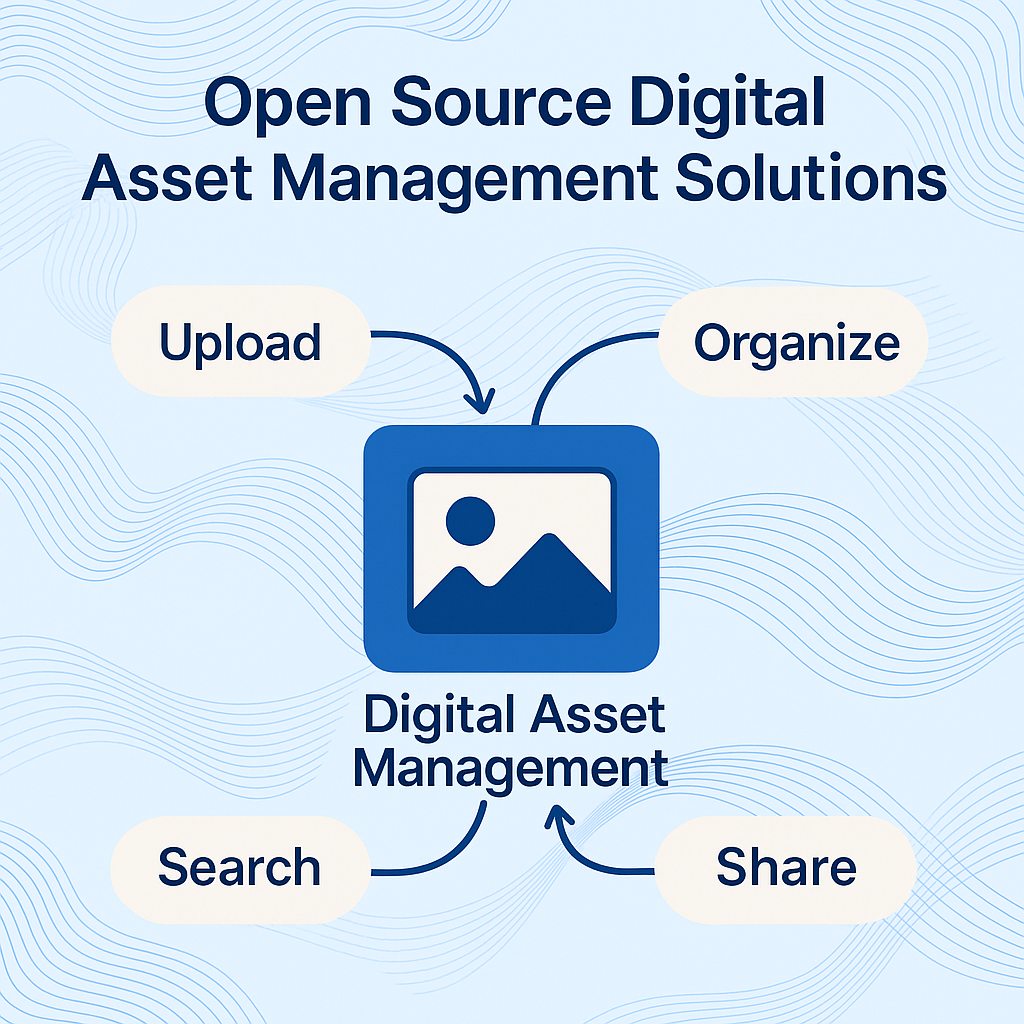
In today’s digital-first landscape, organizations create, manage, and share thousands of digital assets—images, videos, documents, logos, infographics, presentations, and more. Keeping track of all these assets manually or across multiple drives is inefficient, chaotic, and leads to data loss, brand inconsistency, and wasted time. This is where Digital Asset Management (DAM) becomes essential. More specifically, open source digital asset management solutions are gaining traction for offering cost-effective, scalable, and transparent alternatives to expensive proprietary tools.
Among the emerging leaders in this space is Wizbrand, an all-in-one open-source digital asset management platform tailored for marketers, content creators, agencies, and digital teams. This tutorial explores the concept of DAM, why open source DAM tools matter, and how Wizbrand stands out as a powerful, user-friendly, and feature-rich solution.
What is Digital Asset Management (DAM)?
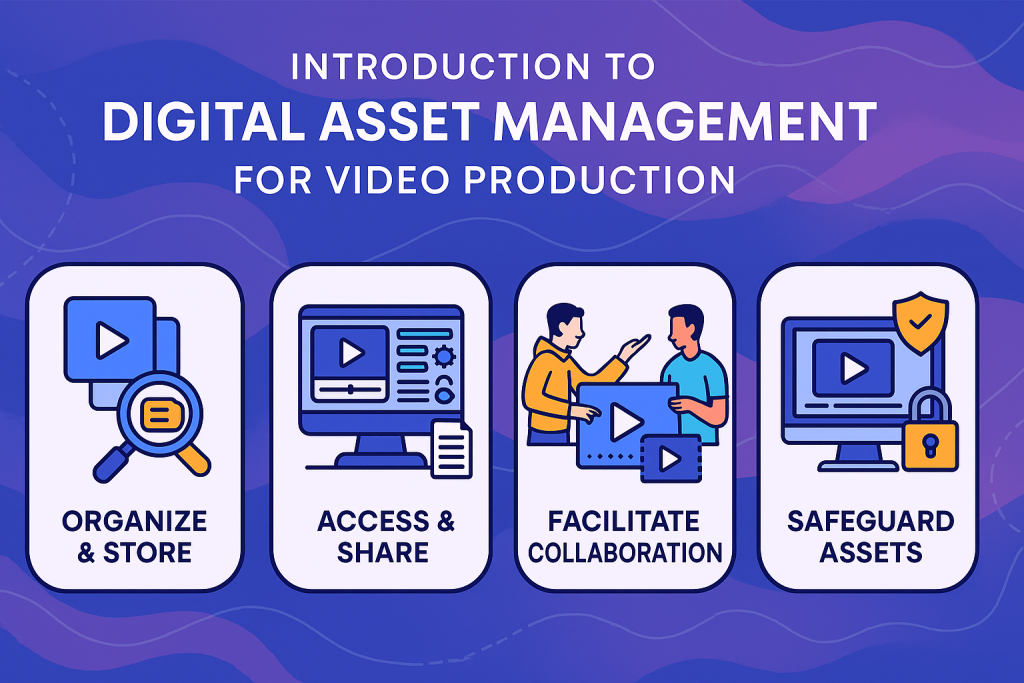
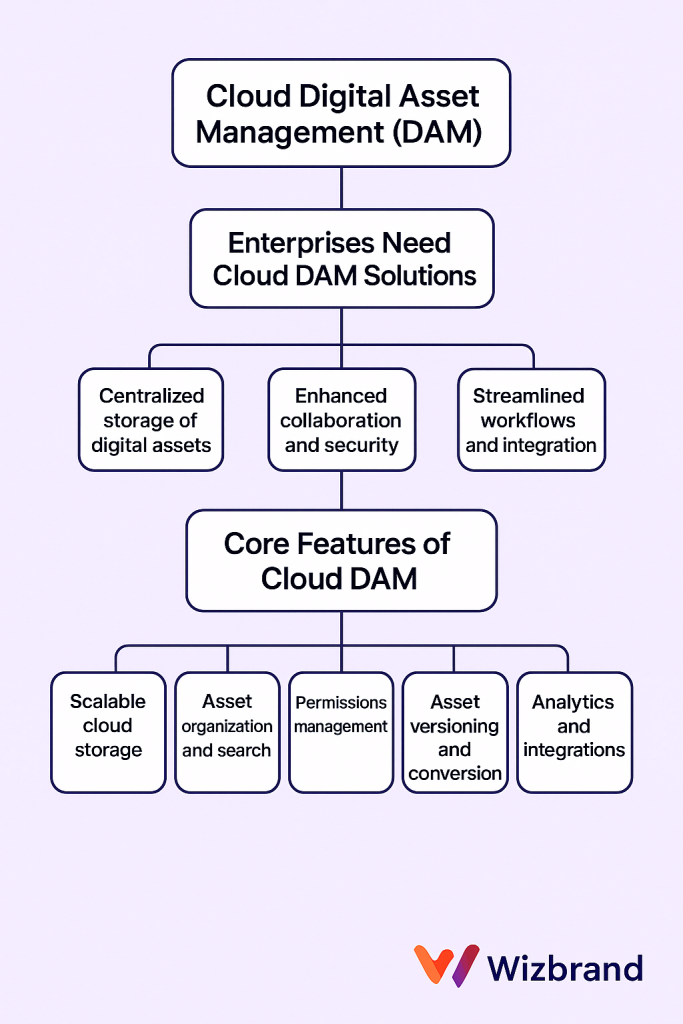
Digital Asset Management is a centralized system for organizing, storing, retrieving, and distributing digital files. A DAM platform allows teams to upload digital files with metadata, assign permissions, tag content for easy searching, maintain version history, and ensure consistent usage across departments and platforms.
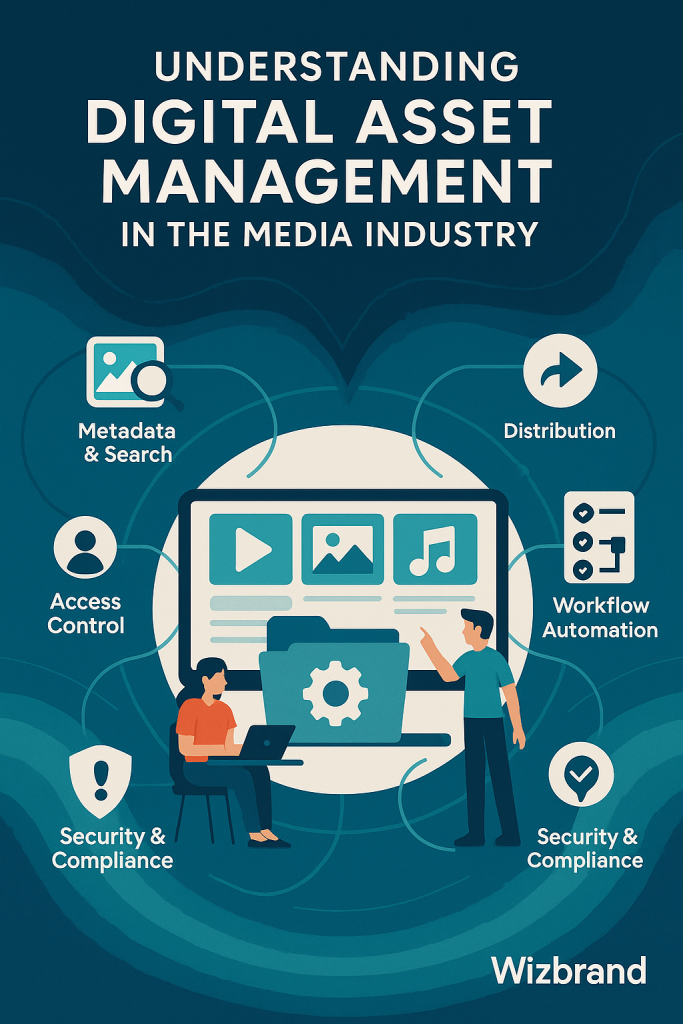
DAM is not just file storage; it includes intelligent workflows, access control, tagging systems, versioning, sharing tools, and integrations to ensure digital assets are always accessible, secure, and aligned with brand standards.
Why Open Source Digital Asset Management?
While enterprise DAM tools offer robust features, they often come with heavy subscription fees, rigid licensing, and limited flexibility. This is where open source DAM platforms shine. Here are key benefits:
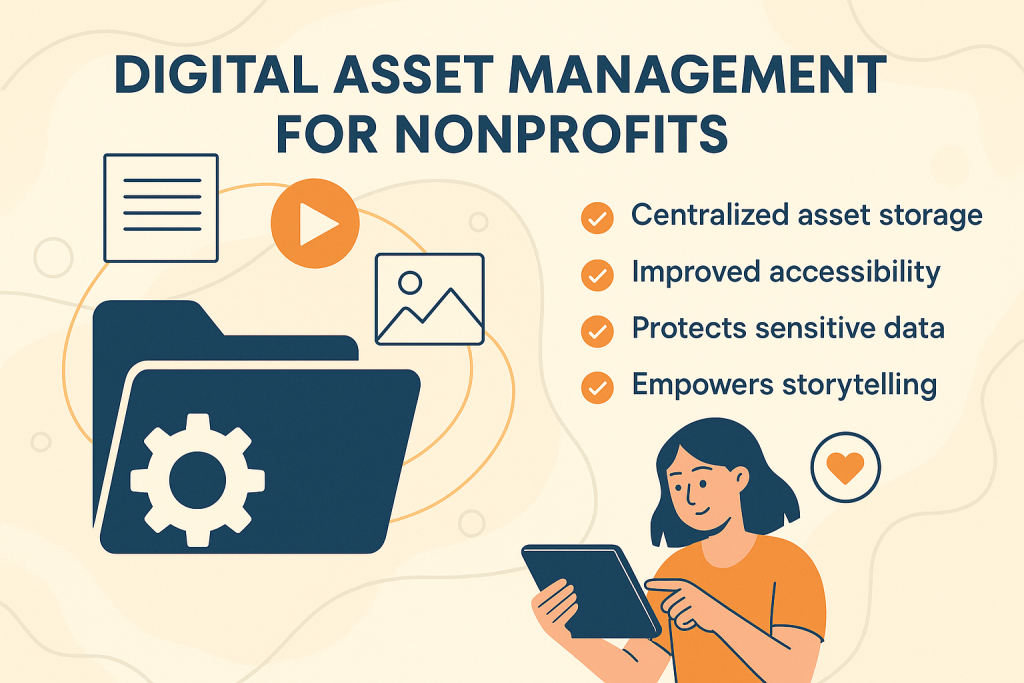
- Cost-Effectiveness: Open source solutions typically have no upfront license fees, making them ideal for startups, non-profits, and small to mid-sized enterprises.
- Customizability: Since the source code is available, developers can modify the system to fit specific business needs.
- Transparency & Control: You own your data and your infrastructure, reducing reliance on third-party vendors.
- Scalability: Open source platforms can be deployed on your own servers or in the cloud, giving you flexibility to grow.
- Community-Driven Innovation: Open source communities often contribute to faster development cycles, regular updates, and security patches.
Wizbrand: An Open Source DAM Powerhouse
Wizbrand is an innovative digital transformation platform that offers a powerful Digital Asset Management system as one of its core features. It brings the simplicity of use and power of automation into one integrated platform, making it ideal for modern teams that want to centralize, manage, and collaborate on digital assets effectively.
Key Features of Wizbrand’s DAM System
- Centralized Asset Repository
Upload and organize images, PDFs, videos, design files, and all other digital content in one secure location. Say goodbye to scattered cloud folders and hard drives. - Smart Tagging & Filtering
Automatically tag assets using metadata or manual custom tags to make finding content effortless, even among thousands of files. - Folder & Project Hierarchies
Create structured folders and project-based libraries to group assets for specific campaigns, departments, or clients. - Version Control
Keep track of changes to files with version histories, so teams can revert to older versions without losing progress. - User Roles & Permissions
Restrict or allow access based on roles such as Admin, Editor, Viewer, etc. Ensure only authorized users can upload, download, or delete assets. - Fast Search & Previews
Instantly locate assets using keywords, tags, or file types. Get file previews without downloading them—great for large image or video libraries. - Secure Sharing Links
Share assets via secure, trackable links with expiration options, making external collaboration seamless and safe. - Activity Logs & Audit Trails
Track every asset activity—who accessed what, when, and what changes were made—providing accountability and governance. - Backup & Restore
Regular automated backups ensure your digital files are never lost, even in case of accidental deletion or system crash.
How to Get Started with Wizbrand’s DAM
1. Sign Up for Free
Visit https://www.wizbrand.com/features/digital-asset-management and create an account. Wizbrand offers flexible plans including a free tier with essential DAM features.
2. Create Your Organization Space
Once logged in, you can set up your digital workspace (organization), define teams, invite members, and assign roles.
3. Upload and Organize Assets
Drag and drop files into your DAM library. Use tags, folders, and project names to structure your content logically.
4. Collaborate & Share
Add comments to assets, tag team members, and create shareable links for external use with password protection and expiration dates.
5. Search, Filter, and Download
Quickly retrieve content using powerful search filters by tags, file types, dates, or projects.
6. Integrate & Automate
Wizbrand supports integrations with other project management, SEO, and digital marketing tools, streamlining your workflow further.
Who Can Use Wizbrand DAM?
Wizbrand’s DAM is designed for a wide range of professionals and teams:
- Digital Marketing Agencies managing multiple client assets.
- Design Studios needing centralized access to creative files.
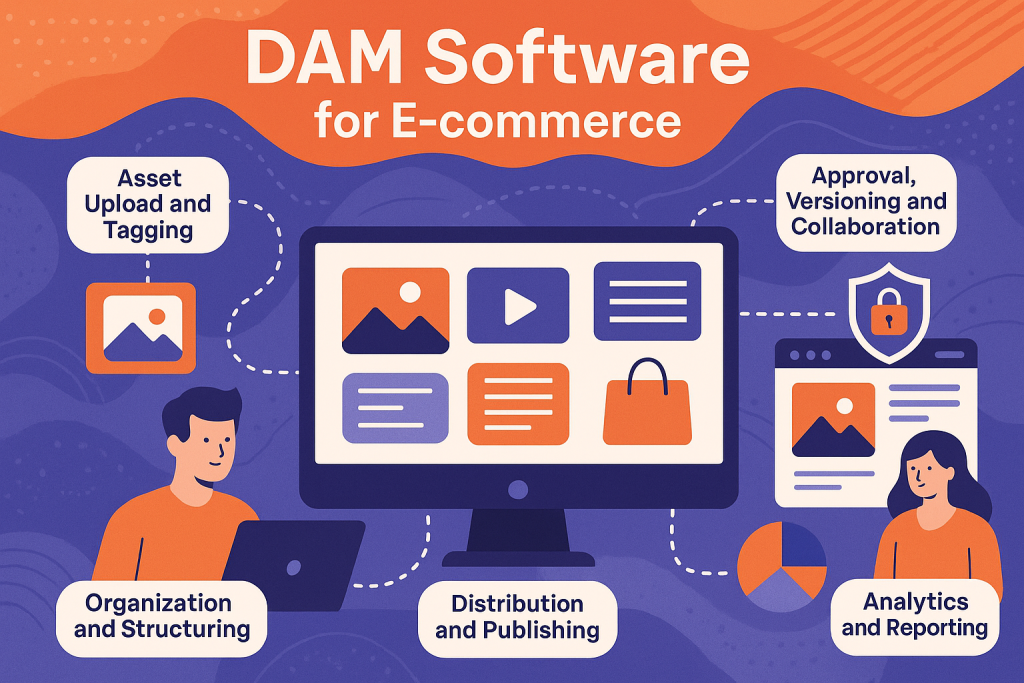
- E-Commerce Brands storing product images, banners, and videos.
- SEO Professionals managing website screenshots, reports, and web files.
- Enterprise Teams requiring scalable storage and access control.
- Educational Institutions sharing lecture materials and visual content.
Whether you’re a solo entrepreneur or a large enterprise, Wizbrand adapts to your DAM needs.
Why Wizbrand Stands Out Among Other Open Source DAMs
While many open-source DAM platforms exist—like ResourceSpace, Razuna, and Pimcore—they often require extensive setup, lack UI polish, or fall short in collaboration features.
Wizbrand, however, stands out due to:
- Modern, user-friendly UI
- Integrated SEO and project management features
- Secure cloud-hosted infrastructure with self-hosting options
- Scalable architecture for agencies and enterprises alike
- Indian origin with global usability, ideal for regional businesses and international teams
Plus, it’s not just a DAM—it’s part of a larger suite that includes task management, SEO automation, web analytics, and more.
Conclusion: Embrace Open Source DAM with Wizbrand
If you’re seeking a powerful yet simple open source digital asset management solution that saves time, reduces chaos, and improves team collaboration, Wizbrand is your answer. It’s intuitive, customizable, and secure—and it’s built with the future of digital workflows in mind.
Digital assets are the backbone of modern businesses. Don’t let disorganization and scattered files slow your growth. Empower your team with Wizbrand’s open source DAM and streamline how you manage, find, and share your content