Skip to content
Menu
DevSecOps Now!!!
  • About
  • Certifications
  • Contact
  • Courses
  • DevSecOps Consulting
  • DevSecOps Tools
  • Training
  • Tutorials
DevSecOps Now!!!

Best and Free Software to Run Apps on Windows

Posted on January 4, 2025

Limited Time Offer!

For Less Than the Cost of a Starbucks Coffee, Access All DevOpsSchool Videos on YouTube Unlimitedly.
Master DevOps, SRE, DevSecOps Skills!

Enroll Now

Running apps seamlessly on a Windows platform is essential for developers, testers, and users alike. Whether you’re looking to execute Android apps, emulate a different OS, or optimize the performance of an app on Windows, there are excellent free tools available that cater to diverse needs. Hereโ€™s a humanized and elaborated look at some of the best free software for running apps on Windows:

1. BlueStacks (For Android Apps)
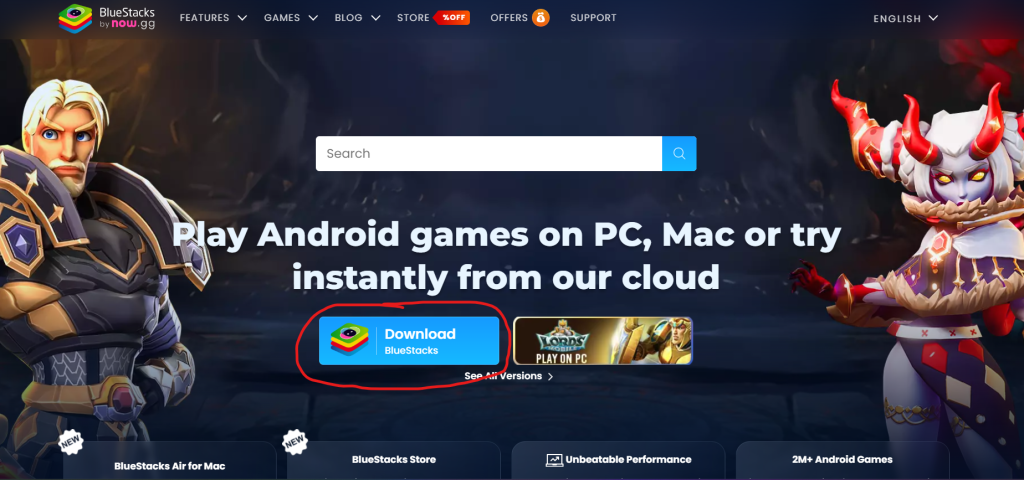
BlueStacks is one of the most popular Android emulators for Windows, designed to let users run mobile apps on their PCs.

Key Features:

  • User-Friendly Interface: Its intuitive design makes it simple for even non-technical users to run Android apps.
  • Game Optimization: Comes with pre-configured settings for mobile games, offering an enhanced gaming experience.
  • App Store Access: Direct access to Google Play Store for downloading apps.
  • Multi-Instance Manager: Run multiple apps simultaneously, which is perfect for multitasking.

Why Use BlueStacks? BlueStacks bridges the gap between mobile and desktop by allowing you to run apps like WhatsApp, Instagram, and popular games without needing a smartphone.

Drawbacks:

  • Requires a good amount of system resources.
  • Ads can sometimes interrupt the experience.

Best For: Running mobile apps and games.

2. NoxPlayer (For Android Apps)
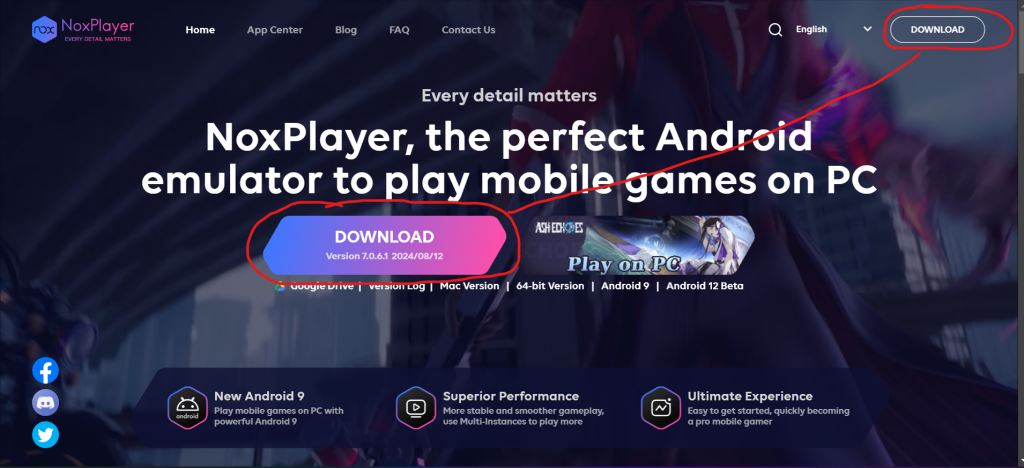
NoxPlayer is another excellent choice for emulating Android on Windows.

Key Features:

  • Lightweight and Fast: Optimized for smooth performance even on less powerful PCs.
  • Custom Controls: Map keyboard and mouse inputs for games.
  • Screen Recording: Useful for content creators and game streamers.
  • Root Access: Offers root mode for advanced users to experiment with apps.

Why Use NoxPlayer? Itโ€™s a fantastic alternative for users who want a less resource-intensive emulator with great customization options.

Drawbacks:

  • May occasionally crash on older Windows versions.

Best For: Android gaming, testing apps.

3. VirtualBox (For Multi-OS Apps)
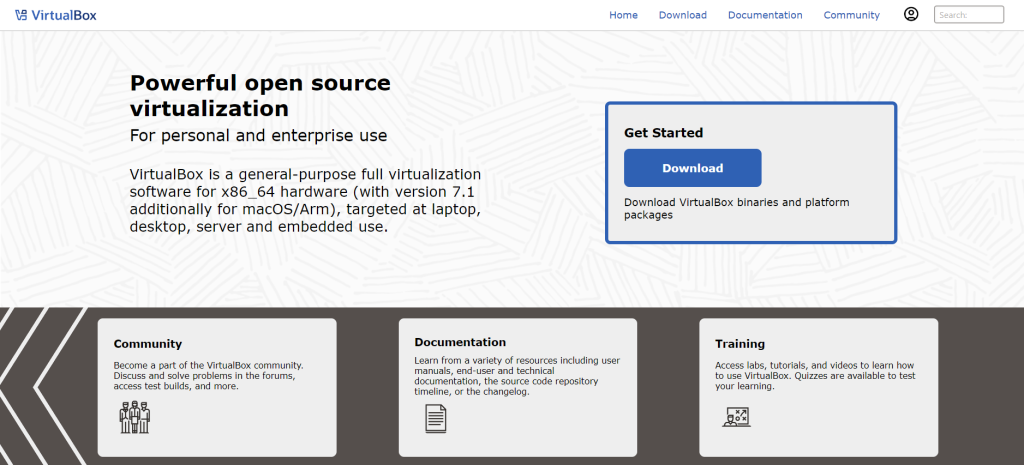
Oracleโ€™s VirtualBox is a versatile and free virtualization tool that allows you to run different operating systems on your Windows machine.

Key Features:

  • Cross-Platform Support: Run Linux, macOS, and other operating systems within Windows.
  • Snapshots: Save the state of a virtual machine and revert to it anytime.
  • Guest Additions: Optimize performance with enhanced drivers and utilities.
  • Customizability: Tailor CPU, memory, and storage settings for each virtual machine.

Why Use VirtualBox? If youโ€™re a developer or IT professional needing to test apps in different environments, VirtualBox provides a robust and reliable platform.

Drawbacks:

  • Steeper learning curve for non-technical users.
  • Performance depends on your PC’s hardware.

Best For: Running apps built for different operating systems.


4. Wine (For Running Windows Apps on Linux or macOS and Vice Versa)
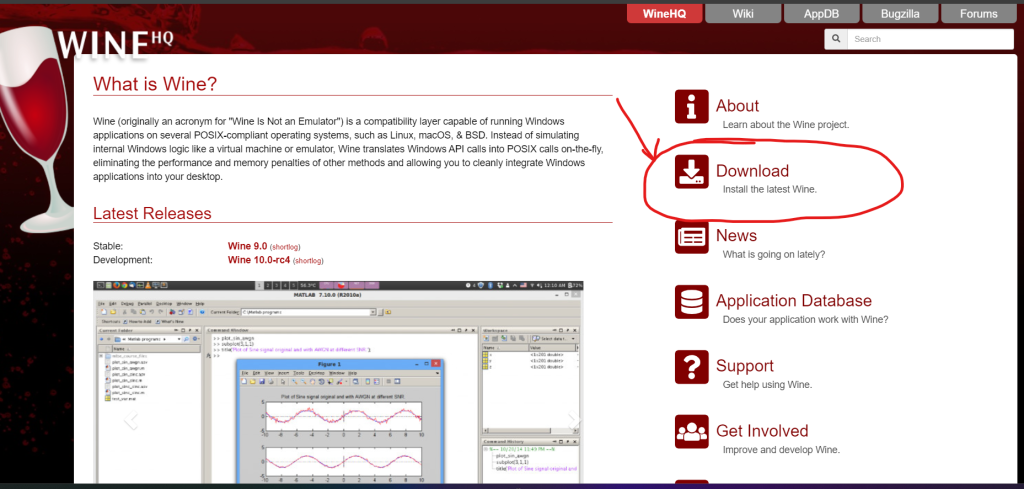
Wine stands for “Wine Is Not an Emulator” and allows users to run Windows apps on non-Windows platforms and sometimes vice versa.

Key Features:

  • Lightweight: Doesnโ€™t emulate the entire OS, which means less resource usage.
  • Active Community: Frequent updates and compatibility improvements.
  • Broad Compatibility: Supports a wide range of Windows applications.

Why Use Wine? Great for users wanting to run Windows-exclusive software on Linux or explore compatibility in reverse.

Drawbacks:

  • Some apps may require manual tweaks to function correctly.

Best For: Running lightweight Windows apps.

5. MEmu Play (For Android Apps)
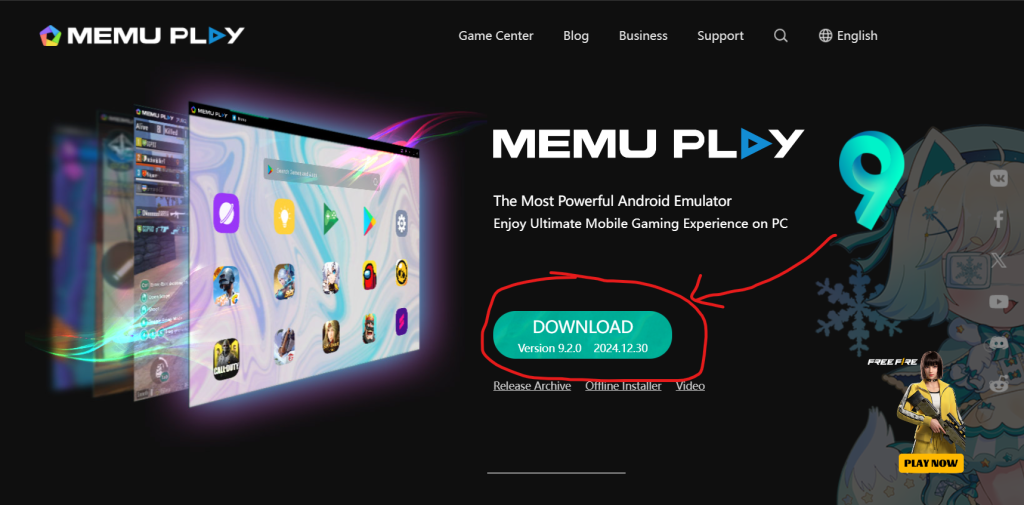
MEmu Play is another Android emulator thatโ€™s specifically geared towards gamers but works well for other apps too.

Key Features:

  • Performance Optimization: Supports AMD and Intel chipsets.
  • Multi-Instance Manager: Run multiple apps at once.
  • Custom Key Mapping: Ideal for games requiring precision controls.

Why Use MEmu Play? Itโ€™s perfect for gamers and those looking to explore Android apps with minimal hassle.

Drawbacks:

  • Occasionally lags with heavy apps.

Best For: Gamers and general Android app users.

6. Windows Subsystem for Linux (WSL)
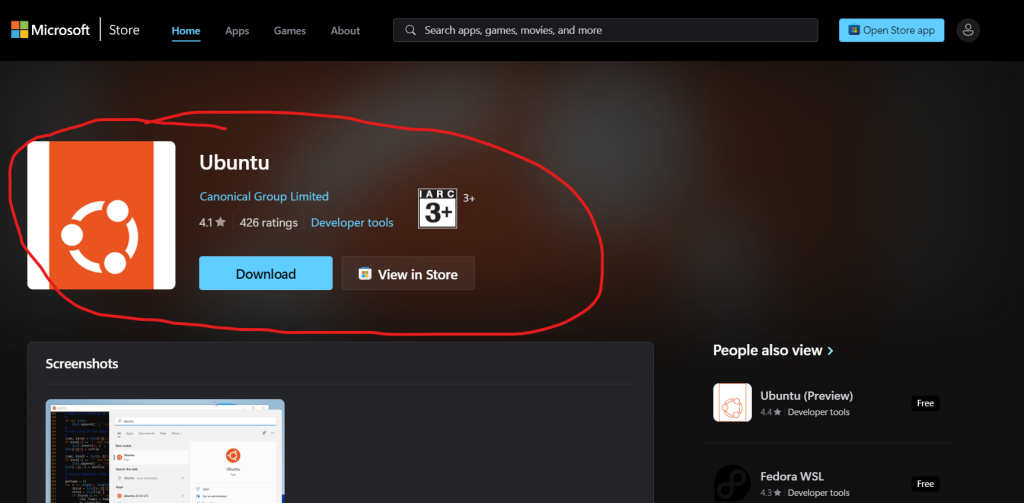
For developers and tech enthusiasts, WSL is a feature in Windows that lets you run Linux apps natively.

Key Features:

  • Integration with Windows: Access Linux tools directly from your Windows terminal.
  • Minimal Overhead: No need for a virtual machine.
  • Support for GUI Apps: Latest versions support graphical Linux apps.
  • Microsoft Store Access: Install Linux distributions like Ubuntu directly.

Why Use WSL? Itโ€™s perfect for developers wanting to work in a Linux environment without dual-booting or using a virtual machine.

Drawbacks:

  • Limited GUI support in earlier versions.

Best For: Developers working with Linux apps.

7. LDPlayer (For Android Apps)
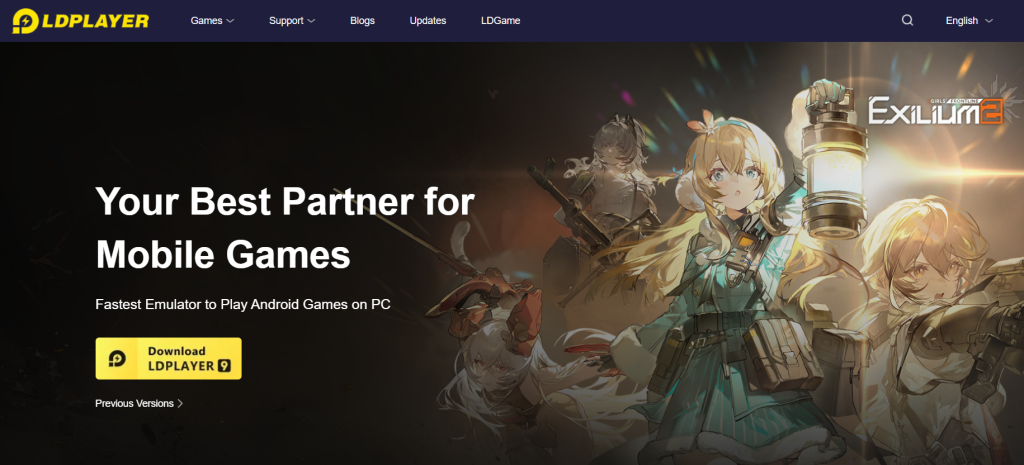
LDPlayer is a lightweight Android emulator designed for gamers and app users.

Key Features:

  • High FPS and Graphics Support: Optimized for smoother gameplay.
  • Multiple Instances: Play different games or use apps simultaneously.
  • Custom Settings: Tailor RAM and CPU usage for the emulator.

Why Use LDPlayer? Itโ€™s ideal for users with mid-range systems who want to run Android apps efficiently.

Drawbacks:

  • Limited support for older Android versions.

Best For: Android apps and games on budget systems.

Conclusion

Each of these tools serves a specific purpose. If youโ€™re looking to run Android apps, BlueStacks, NoxPlayer, and MEmu Play are excellent choices. Developers testing cross-platform applications may benefit from VirtualBox or WSL. Meanwhile, Wine is great for users exploring compatibility between Windows and other platforms. Evaluate your needsโ€”whether for gaming, development, or productivityโ€”and pick the one that suits you best!

Post Views: 1,604
  • Android Apps
  • Apps
  • Best and Free Software to Run Apps on Windows
  • Free Software to Run Apps
  • Free Software to Run Apps on Windows
  • Run Android Apps on windows
  • Run Applications on Windows
  • Run Apps on Windows
  • software
Subscribe
Login
Notify of
guest
guest
0 Comments
Oldest
Newest Most Voted
Inline Feedbacks
View all comments
  • Master the Machine Learning Lifecycle:Guide to Becoming a Certified MLOps Architect
  • How to Build a Project-Level AI Memory System That Works Across Codex, Claude, and Other AI Coding Tools
  • Certified MLOps Professional: A Deep Dive into the Certified MLOps Professional Certification
  • Certified MLOps Engineer : The Comprehensive Guide to Mastering Machine Learning Operations
  • Codex vs Claude: A Complete Practical Guide for Modern Developers (2026)
  • Certified AIOps Professional Program A Guide to Career Growth
  • Keycloak Multi-Client Architecture with Project-Based Email Validation (Student, Trainer, Company, Consulting)
  • Incorrect definition of table mysql.column_stats
  • Mautic and PHP 8.3 Compatibility Guide (2026)
  • Certified AIOps Engineer: The Complete Career Path and Certification Guide
  • How to Rename Apache Virtual Host Files Safely (Step-by-Step Guide for Linux)
  • AIOps Foundation Certification: Everything You Need to Know to Get Certified
  • DevOps to Certified Site Reliability Professional: A Senior Mentorโ€™s Guide
  • Certified Site Reliability Manager Training, Preparation, and Career Mapping
  • Certified Site Reliability Architect: The Complete Career Guide
  • What Is a VPN? A Complete Beginner-to-Advanced Tutorial
  • How to Install, Secure, and Tune MySQL 8.4 on Ubuntu 24.04 for Apache Event MPM and PHP-FPM
  • Complete Guide to Certified Site Reliability Engineer Career
  • Certified DevSecOps Professional Step by Step
  • Certified DevSecOps Manager: Complete Career Guide
  • Certified DevSecOps Engineer: Skills, Career Path and Certification Guide
  • Step-by-Step: Become a Certified DevSecOps Architect
  • Tuning PHP 8.3 for Apache Event MPM and PHP-FPM on Ubuntu: A Complete Step-by-Step Production Guide
  • Complete Step-by-Step Guide to Configure Apache Event MPM, Create index.php, Set Up VirtualHost, and Fix Ubuntu Default Page
  • Convert XAMPP Apache to Event MPM + System PHP-FPM
  • The Gateway to System Observability Engineering (MOE)
  • How to Finetune Apache and Prove It Works: A Real-World Guide to Testing Performance, Concurrency, HTTP/2, Memory, CPU, and Security
  • Building a High-Performance Apache Event MPM + PHP-FPM + MariaDB Stack (Advanced Server Optimization Guide)
  • Master Infrastructure as Code: The Complete Hashicorp Terraform Associate Guide
  • Building a High-Performance Apache Server with Event MPM + PHP-FPM (Step-by-Step Guide)

Recent Comments

  1. emmy day on SQLSTATE[42S22]: Column not found: 1054 Unknown column ‘provider’ in ‘field list’
  2. digital banking on Complete Tutorial: Setting Up Laravel Telescope Correctly (Windows + XAMPP + Custom Domain)
  3. SAHIL DHINGRA on How to Uninstall Xampp from your machine when it is not visible in Control panel programs & Feature ?
  4. Abhishek on MySQL: List of Comprehensive List of approach to secure MySQL servers.
  5. Kristina on Best practices to followed in .httacess to avoid DDOS attack?

Archives

  • April 2026
  • March 2026
  • February 2026
  • January 2026
  • December 2025
  • November 2025
  • October 2025
  • September 2025
  • August 2025
  • July 2025
  • June 2025
  • May 2025
  • April 2025
  • March 2025
  • February 2025
  • January 2025
  • December 2024
  • November 2024
  • October 2024
  • September 2024
  • August 2024
  • July 2024
  • June 2024
  • May 2024
  • April 2024
  • March 2024
  • February 2024
  • January 2024
  • December 2023
  • November 2023
  • October 2023
  • September 2023
  • August 2023
  • July 2023
  • May 2023
  • April 2023
  • March 2023
  • February 2023
  • January 2023
  • December 2022

Categories

  • Ai
  • AI Blogging
  • AiOps
  • ajax
  • Android Studio
  • Antimalware
  • Antivirus
  • Apache
  • Api
  • API Security
  • Api Testing
  • APK
  • Aws
  • Bike Rental Services
  • ChatGPT
  • Code Linting
  • Composer
  • cPanel
  • Cyber Threat Intelligence
  • Cybersecurity
  • Data Loss Prevention
  • Database
  • dataops
  • Deception Technology
  • DeepSeek
  • Devops
  • DevSecOps
  • DevTools
  • Digital Asset Management
  • Digital Certificates
  • Docker
  • Drupal
  • emulator
  • Encryption Tools
  • Endpoint Security Tools
  • Error
  • facebook
  • Firewalls
  • Flutter
  • git
  • GITHUB
  • Google Antigravity
  • Google play console
  • Google reCAPTCHA
  • Gradle
  • Guest posting
  • health and fitness
  • IDE
  • Identity and Access Management
  • Incident Response
  • Instagram
  • Intrusion Detection and Prevention Systems
  • jobs
  • Joomla
  • Keycloak
  • Laravel
  • Law News
  • Lawyer Discussion
  • Legal Advice
  • Linkedin
  • Linkedin Api
  • Linux
  • Livewire
  • Mautic
  • Medical Tourism
  • MlOps
  • MobaXterm
  • Mobile Device Management
  • Multi-Factor Authentication
  • MySql
  • Network Traffic Analysis tools
  • Paytm
  • Penetration Testing
  • php
  • PHPMyAdmin
  • Pinterest Api
  • Quora
  • SAST
  • SecOps
  • Secure File Transfer Protocol
  • Security Analytics Tools
  • Security Auditing Tools
  • Security Information and Event Management
  • Seo
  • Server Management Tools
  • Single Sign-On
  • Site Reliability Engineering
  • soft 404
  • software
  • SuiteCRM
  • SysOps
  • Threat Model
  • Twitter
  • Twitter Api
  • ubuntu
  • Uncategorized
  • Virtual Host
  • Virtual Private Networks
  • VPNs
  • Vulnerability Assessment Tools
  • Web Application Firewalls
  • Windows Processor
  • Wordpress
  • WSL (Windows Subsystem for Linux)
  • X.com
  • Xampp
  • Youtube
©2026 DevSecOps Now!!! | WordPress Theme: EcoCoded
wpDiscuz