Limited Time Offer!
For Less Than the Cost of a Starbucks Coffee, Access All DevOpsSchool Videos on YouTube Unlimitedly.
Master DevOps, SRE, DevSecOps Skills!
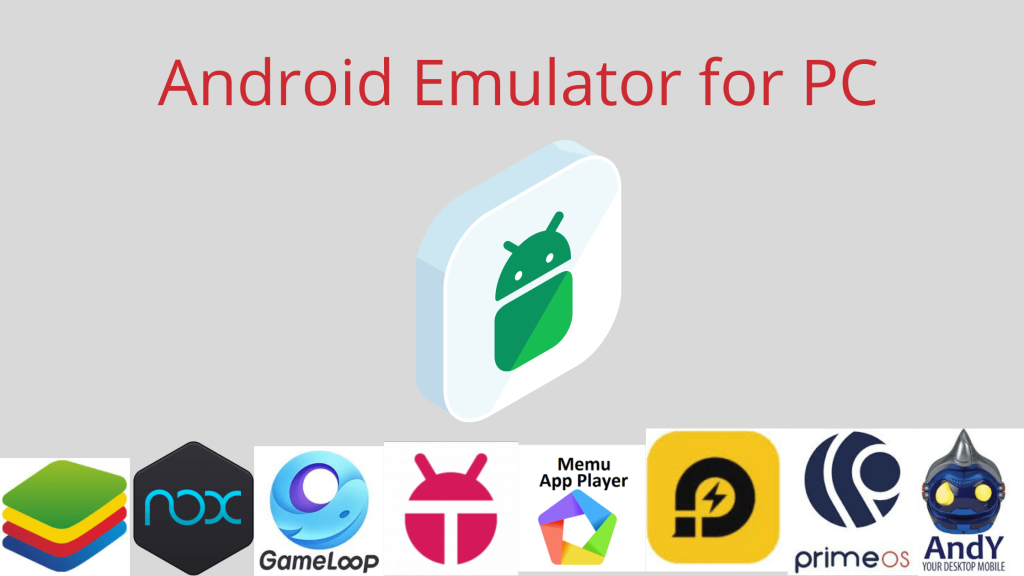
Running Android APK files on Windows is a necessity for developers, testers, and even casual users who want to explore mobile apps in a desktop environment. But finding the right software can be a daunting task, especially when you want something that’s free and user-friendly. Here’s a deeply elaborated and humanized guide to the best free software to run Android APKs on Windows that fits your needs, whether you’re a developer debugging an app or someone curious about trying out mobile apps on a bigger screen.
Why Run Android APK Files on Windows?
Imagine you’re a developer testing your latest app, and you don’t want to juggle multiple physical devices. Or perhaps you’re a gamer who prefers the precision of a keyboard and mouse for mobile games. Whatever your reason, Android emulators make it possible to simulate an Android device on your Windows PC, offering flexibility, ease of use, and a cost-effective solution.
Top Free Software to Run Android APKs on Windows
Here’s a closer look at the best tools available, tailored to different needs.
1. BlueStacks
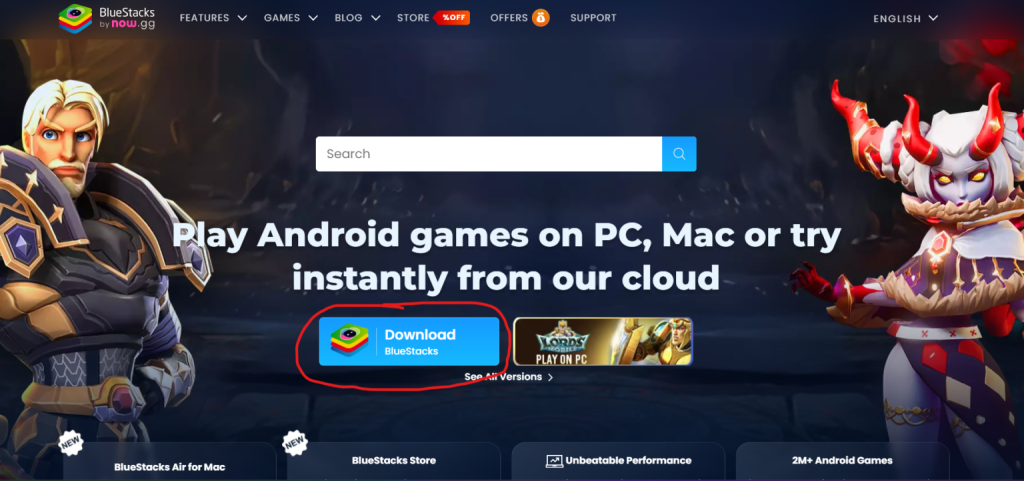
- What It’s All About: BlueStacks is like the Swiss Army knife of Android emulators. It’s versatile, beginner-friendly, and one of the most widely recognized tools for running Android apps on a PC.
- Why You’ll Love It:
- You don’t need to be a tech wizard. Just drag and drop the APK file, and you’re good to go.
- Multi-instance support means you can test several apps simultaneously—ideal for developers.
- Google Play Store integration lets you download apps directly without needing an APK file.
- Optimized for gaming with built-in keymapping and macro tools.
- Ideal For: Gamers and casual users who want a plug-and-play experience.
- How to Get Started:
- Download BlueStacks from the official website.
- Install and launch it.
- Drag your APK file into the BlueStacks window or install apps from the Play Store.
- Pro Tip: Adjust the CPU and RAM settings in BlueStacks for a smoother experience, especially if your PC has limited resources.
- Website: https://www.bluestacks.com
2. NoxPlayer
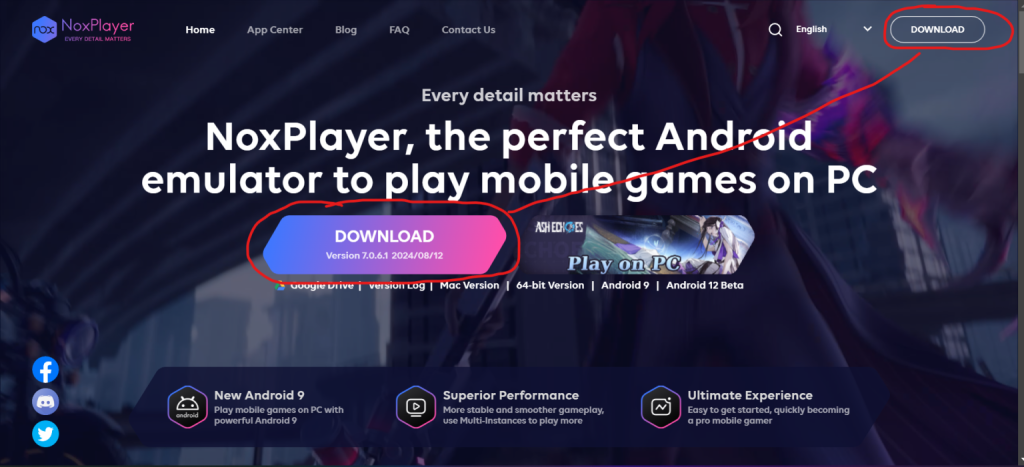
- What It’s All About: If BlueStacks is for the masses, NoxPlayer is for those who like to tinker. It’s sleek, lightweight, and packed with features for advanced users.
- Why You’ll Love It:
- Drag-and-drop APK installation makes it effortless to run your apps.
- Advanced settings let you customize CPU, RAM, and screen resolution.
- Script recording allows you to automate repetitive tasks—great for QA testers.
- Built-in screen recording helps you create tutorials or app walkthroughs.
- Ideal For: Developers and testers who need precise control over the emulator’s settings.
- How to Get Started:
- Download NoxPlayer and install it.
- Drag your APK file into the interface, and it will automatically install.
- Customize settings if needed, and start exploring.
- Pro Tip: Use the multi-instance feature to simulate different user scenarios simultaneously.
- Website: https://www.bignox.com
3. Genymotion
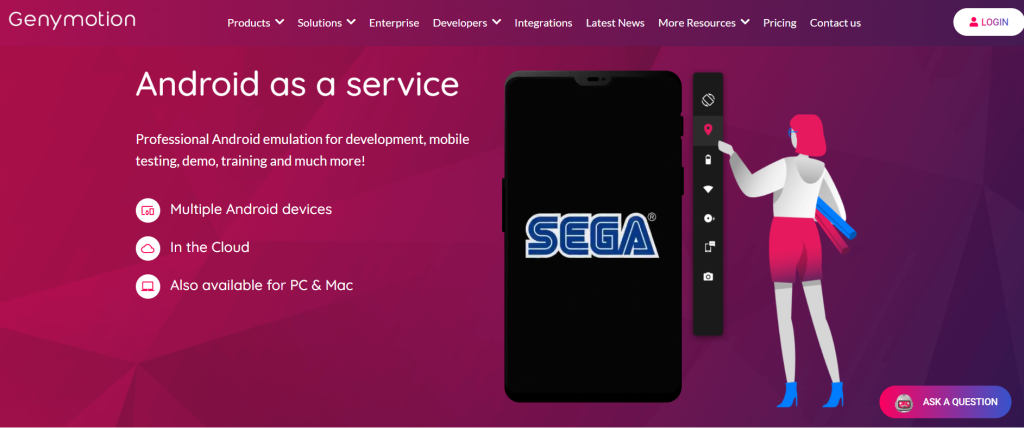
- What It’s All About: Genymotion is a powerhouse emulator designed specifically for developers. It’s like having a virtual lab for all your Android testing needs.
- Why You’ll Love It:
- Offers virtual devices with various Android versions and configurations.
- Seamlessly integrates with Android Studio for professional debugging.
- Simulates GPS, battery levels, and network conditions for comprehensive testing.
- Supports high performance with minimal lag, even on mid-range PCs.
- Ideal For: Developers building apps for a variety of Android devices and conditions.
- How to Get Started:
- Download Genymotion and VirtualBox (if not already installed).
- Set up your virtual devices and load your APK files.
- Use the emulator’s tools to test your app under different scenarios.
- Pro Tip: If you’re using it for personal projects, check out Genymotion’s free version for non-commercial use.
- Website: https://www.genymotion.com
4. Android Studio Emulator
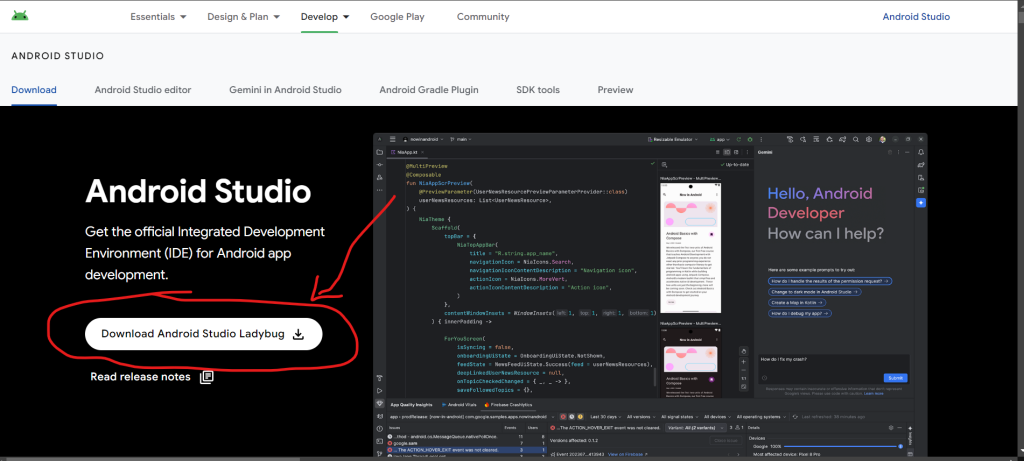
- What It’s All About: As Google’s official tool for Android development, Android Studio offers an integrated emulator that’s perfect for testing APK files with precision.
- Why You’ll Love It:
- Fully integrated with the Android Studio IDE for debugging.
- Simulates real-world conditions, ensuring accurate testing results.
- Supports the latest Android versions and device configurations.
- It’s free and backed by Google.
- Ideal For: Developers seeking a professional-grade emulator.
- How to Get Started:
- Install Android Studio from the official website.
- Set up a virtual device using the Android Virtual Device (AVD) Manager.
- Drag your APK into the emulator or run it directly from Android Studio.
- Pro Tip: Use Android Studio’s profiler tools to analyze app performance and pinpoint issues.
- Website: https://developer.android.com/studio
5. MEmu Play
- What It’s All About: MEmu Play offers a balanced mix of performance and ease of use, making it a great choice for testers and casual users alike.
- Why You’ll Love It:
- Simple interface with support for drag-and-drop APK installation.
- Optimized for both gaming and app testing.
- Features include screen recording, keymapping, and multi-instance support.
- Ideal For: Users with modest hardware looking for a lightweight yet feature-rich emulator.
- How to Get Started:
- Download MEmu Play from the official site.
- Install the software and drag your APK file into the main window.
- Explore the app or game in a desktop environment.
- Pro Tip: Keep your GPU drivers updated for smoother performance.
- Website: https://www.memuplay.com
6. LDPlayer
- What It’s All About: LDPlayer is a high-performance emulator that offers smooth operation even on less powerful systems.
- Why You’ll Love It:
- Focused on efficiency and stability.
- Supports APK drag-and-drop for hassle-free installation.
- Comes with multitasking features and a user-friendly interface.
- Ideal For: Testers and users looking for a stable emulator that doesn’t hog system resources.
- How to Get Started:
- Install LDPlayer from its official site.
- Drag the APK file to the emulator, and it will install automatically.
- Start using the app with a seamless experience.
- Pro Tip: Use the split-screen feature to multitask while testing apps.
- Website: https://www.ldplayer.net
Choosing the Right Emulator
When deciding which emulator to use, consider the following:
- Ease of Use: Tools like BlueStacks and MEmu are perfect for beginners.
- Customization: Advanced users will benefit from NoxPlayer and Genymotion.
- Professional Testing: Android Studio Emulator is your best bet for debugging and app development.
Frequently Asked Questions
- Is using an emulator safe?
- Yes, as long as you download the emulator from its official website.
- Can I test my app on different Android versions?
- Absolutely! Emulators like Genymotion and Android Studio allow you to test across multiple versions.
- Do these emulators support games?
- Yes, most emulators like BlueStacks, NoxPlayer, and LDPlayer are optimized for gaming.
With these emulators, you can easily run, test, and debug Android APKs on Windows. Whether you’re a developer, a tester, or someone just curious about Android apps, there’s a solution tailored for your needs. Happy testing!