
Limited Time Offer!
For Less Than the Cost of a Starbucks Coffee, Access All DevOpsSchool Videos on YouTube Unlimitedly.
Master DevOps, SRE, DevSecOps Skills!
Git commands along with a brief description of what they do:
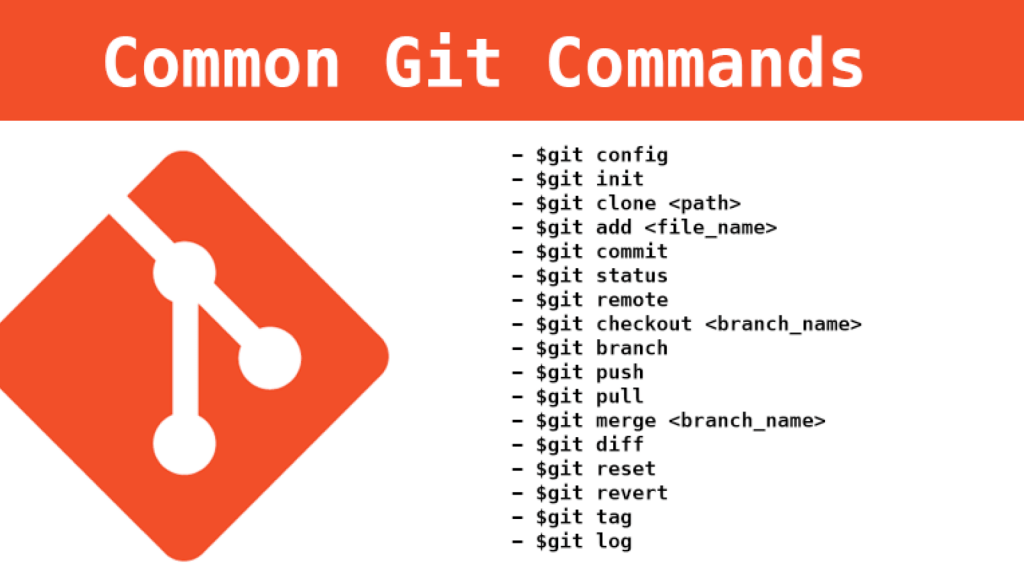
git init: Initialize a new Git repository in the current directory.git clone <repository_url>: Clone an existing repository from a remote URL.git add <file>: Add file(s) to the staging area to be included in the next commit.git commit -m "commit message": Commit the changes in the staging area with a descriptive message.git status: Show the current state of the working directory and staging area.git diff: Show the differences between the working directory and the staging area.git diff --stagedorgit diff --cached: Show the differences between the staging area and the last commit.git log: Display the commit history.git pull: Fetch changes from the remote repository and merge them into the current branch.git push: Push local commits to the remote repository.git branch: List, create, or delete branches.git checkout <branch>: Switch to a different branch.git merge <branch>: Merge changes from another branch into the current branch.git remote: Manage remote repositories.git stash: Temporarily save changes that are not ready to be committed.git tag: Create, list, delete, or verify tags.
Depending on your unique requirements and workflow, there are a plethora of more fundamental Git commands at your disposal. For further information on any command, use git –help or git \command> –help.



1 Comment
Most Voted
1 year ago
An informative blog, such type of blog is very helpful for new users of GitHub…. we should learn all the commands from this blog.
wpDiscuz