
Limited Time Offer!
For Less Than the Cost of a Starbucks Coffee, Access All DevOpsSchool Videos on YouTube Unlimitedly.
Master DevOps, SRE, DevSecOps Skills!
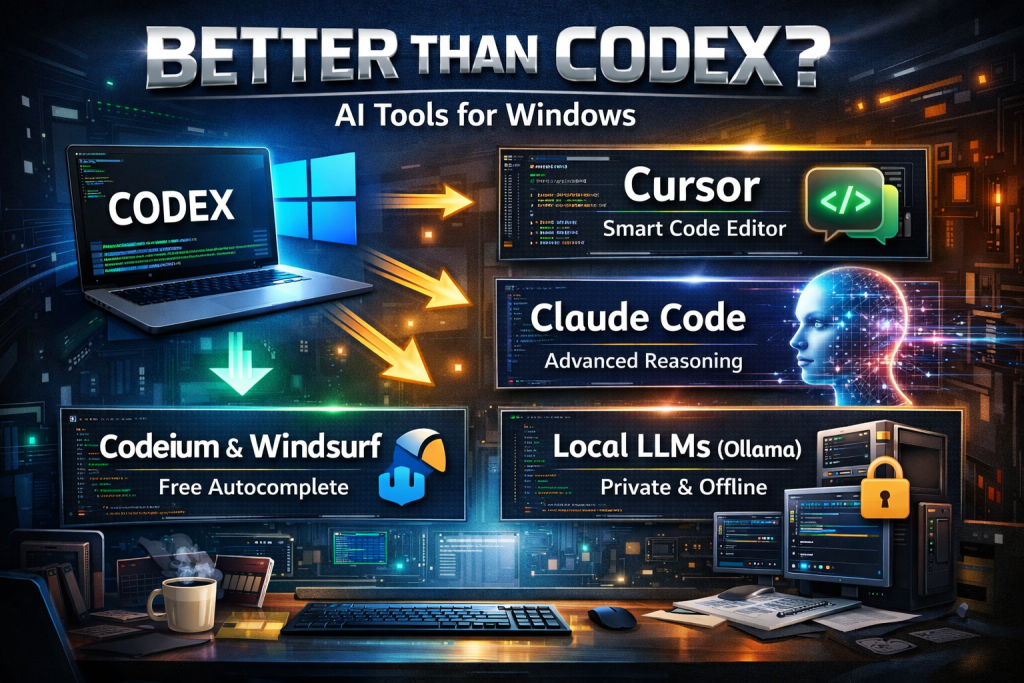
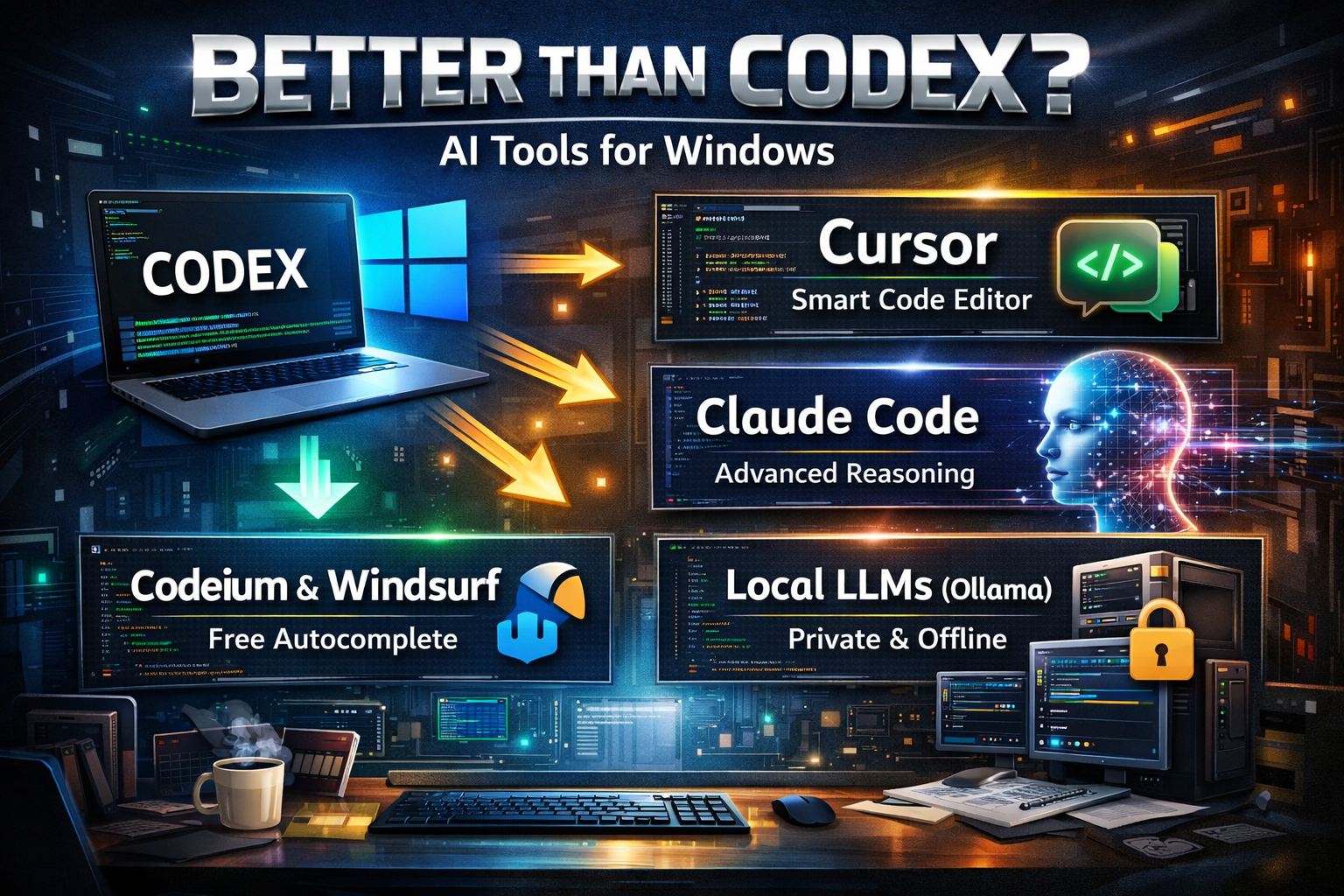
If you’re searching for “any AI better than Codex for Windows”, you’re likely frustrated with limitations—maybe autocomplete feels shallow, reasoning isn’t deep enough, or integration with your workflow is clunky.
You’re not alone.
Developers today expect more than just code suggestions. They want architectural thinking, debugging intelligence, context awareness across files, and seamless IDE integration—especially on Windows environments.
This article is written for Windows and Mac developers (beginner to advanced) who want a serious, practical comparison. By the end, you’ll understand:
- Whether something is actually better than Codex
- Which tools outperform it in specific scenarios
- What to choose based on your workflow
- How to implement and evaluate alternatives properly
No hype. No marketing spin. Just real-world analysis.
Why This Topic Matters
AI-assisted coding is no longer optional. It’s part of modern development workflows.
1. Productivity Is Now AI-Driven
In 2026, AI tools are expected to:
- Generate boilerplate instantly
- Refactor legacy code
- Explain unfamiliar codebases
- Write tests automatically
- Suggest architectural improvements
If your AI tool is weak, you’re slower.
2. Windows Developers Often Face Unique Constraints
Windows environments frequently involve:
- Visual Studio / VS Code heavy usage
- .NET ecosystems
- Corporate security restrictions
- Local development servers
- Enterprise compliance policies
Not all AI tools perform equally well in this setup.
3. “Better Than Codex” Depends on What You Need
Codex (and Copilot-style systems built on similar foundations) are strong at:
- Autocomplete
- Pattern continuation
- Simple function generation
But developers often want:
- Deeper reasoning
- Multi-file understanding
- Long-context analysis
- Debugging assistance
- Local model support
That’s where alternatives come in.
Core Explanation: What Does “Better Than Codex” Really Mean?
Before comparing tools, let’s define what “better” actually means.
Simple Explanation
Codex-style AI is very good at:
- Completing code as you type
- Generating small functions
- Following clear prompts
But it may struggle with:
- Complex architecture reasoning
- Large project-wide refactors
- Debugging subtle issues
- Understanding long context chains
So when someone asks, “Is there any AI better than Codex for Windows?”, they usually mean:
Is there something smarter, more context-aware, or more powerful?
Deeper Technical Perspective
Modern AI coding tools differ in:
- Context Window Size
- How much of your codebase the model can “see” at once
- Reasoning Depth
- Can it analyze logic across files?
- Can it trace bug flow?
- Can it suggest structural changes?
- IDE Integration
- Is it just autocomplete?
- Or does it understand the whole project?
- Local vs Cloud Execution
- Enterprise teams often need local or private deployment
- Model Quality
- Some models reason better.
- Some are optimized for speed.
- Some are optimized for code correctness.
“Better” is contextual.
Detailed Comparison: AI Tools That Many Developers Prefer Over Codex
Below are serious alternatives that Windows developers commonly consider stronger in specific areas.
1. Cursor – AI-First Code Editor
Best for: Deep project understanding and conversational editing
Cursor is not just a plugin—it’s an AI-native editor.
Why Many Consider It Better Than Codex
- Can modify multiple files at once
- Understands large codebases
- Allows natural language instructions like:“Refactor authentication to use middleware pattern”
Instead of only suggesting lines, it performs structural edits.
Real-World Example
If you say:
Convert this REST API to a service-repository architecture.
Cursor can:
- Create new files
- Refactor existing controllers
- Move logic appropriately
Codex-style tools typically just generate snippets.
Works Well On:
- Windows
- macOS
- Cross-platform environments
2. Claude-Based Coding Assistants
Best for: Logical reasoning and architecture analysis
Claude-based systems are often praised for:
- Clean explanations
- Clear logical flow
- Better long-form reasoning
Where It Outperforms Codex
- Explaining legacy code
- Debugging subtle logic bugs
- Suggesting architecture improvements
- Writing documentation
Codex is strong at pattern continuation.
Claude-style systems often outperform in analysis.
3. Gemini Code Assist
Best for: Large-context projects and enterprise integration
Gemini-based tools are strong in:
- Handling large files
- Understanding multiple modules
- Working with structured documentation
If you work on:
- Large enterprise Windows projects
- .NET microservices
- Complex distributed systems
Large-context models often outperform Codex in reasoning.
4. Codeium / Windsurf
Best for: Free alternative with strong autocomplete
If your goal is:
- Similar autocomplete experience
- Free usage
- Strong multi-language support
Codeium performs competitively.
It may not surpass Codex in reasoning,
but many developers find it equally productive.
5. Continue + Local LLMs (Advanced Users)
Best for: Privacy-focused or enterprise environments
For advanced users:
- Run local models using Ollama
- Connect through Continue extension
- Use powerful open-source coding models
Advantages:
- Full data privacy
- Offline capability
- Custom tuning options
Disadvantages:
- Requires setup knowledge
- Model performance varies by hardware
Step-by-Step: How to Choose the Right AI Tool on Windows
Instead of asking “What is better?”, ask:
Step 1: Define Your Use Case
Are you:
- Writing boilerplate?
- Refactoring large systems?
- Debugging legacy code?
- Building full-stack apps?
- Working in enterprise?
Each use case favors different tools.
Step 2: Evaluate Based on 5 Criteria
| Criteria | Why It Matters |
|---|---|
| Context awareness | Large project reasoning |
| Debugging ability | Real-world productivity |
| Multi-file editing | Refactoring power |
| IDE integration | Workflow speed |
| Privacy options | Enterprise compliance |
Step 3: Test With a Real Scenario
Don’t evaluate using small functions.
Instead test:
- A complex refactor
- A performance optimization
- A cross-file architecture change
- A real bug in production code
That’s where differences appear.
Common Mistakes When Comparing AI Coding Tools
Mistake 1: Judging by Autocomplete Speed
Fast suggestions ≠ intelligent reasoning.
Autocomplete is the baseline.
Architectural understanding is advanced.
Mistake 2: Testing Only Simple Prompts
If you test:
“Write a function to reverse a string.”
Every tool looks good.
Instead test:
“Refactor this monolithic controller into a layered architecture and preserve validation logic.”
That’s real evaluation.
Mistake 3: Ignoring Context Window Limits
Some tools lose accuracy when:
- File size increases
- Codebase grows
- Multiple modules interact
Context size matters.
Mistake 4: Assuming One Tool Is Universally Better
There is no universally best AI tool.
There are:
- Better reasoning models
- Better autocomplete tools
- Better enterprise solutions
- Better privacy-focused options
“Better” is workload-specific.
Best Practices and Expert Recommendations
After working with multiple AI coding systems across Windows and Mac environments, here’s practical advice:
1. Use Different Tools for Different Tasks
Many experienced developers:
- Use Copilot-style autocomplete for speed
- Use Claude-style reasoning tools for debugging
- Use Cursor for structural changes
Hybrid workflows are common.
2. Don’t Over-Rely on AI
AI tools:
- Suggest
- Draft
- Accelerate
They do not replace:
- Architecture decisions
- Security review
- Code ownership
- Performance validation
Always review generated code.
3. Prioritize Context Awareness Over Fancy Features
In real-world projects:
Context > clever snippets.
Choose tools that:
- Understand multiple files
- Maintain project memory
- Adapt to your code style
4. Consider Privacy and Compliance
Enterprise Windows environments often require:
- Private deployment
- No external code sharing
- Local model hosting
Public AI tools may not fit regulated industries.
5. Evaluate Based on Maintenance Impact
Ask:
- Does the AI generate readable code?
- Is it consistent with team standards?
- Will this reduce technical debt—or increase it?
That’s long-term thinking.
Frequently Asked Questions
1. Is there any AI truly better than Codex for Windows?
Yes—depending on your use case. For deep reasoning and multi-file refactoring, tools like Cursor or Claude-based systems are often considered stronger. For basic autocomplete, Codex-style tools remain competitive.
2. Which AI is best for .NET development on Windows?
Large-context models and deeply integrated IDE tools perform better for .NET. Cursor and enterprise-focused assistants often handle complex .NET projects more effectively than basic autocomplete tools.
3. Are free AI coding tools good enough?
For small projects and learning, yes. For enterprise-level architecture and debugging, premium tools typically provide stronger reasoning and context handling.
4. Can I use AI coding tools offline on Windows?
Yes. Advanced users can run local models via tools like Ollama combined with Continue. This is ideal for privacy-sensitive environments.
5. Is autocomplete still important in 2026?
Yes—but it’s no longer the differentiator. Deep reasoning, refactoring ability, and project-wide understanding matter more.
6. Should beginners use advanced AI tools?
Beginners benefit from reasoning-focused AI that explains code clearly. However, they should avoid over-reliance and continue learning fundamentals.
7. Will AI replace developers?
No. AI accelerates development. It does not replace system thinking, architecture design, or accountability.
Conclusion: What’s Actually Better Than Codex for Windows?
If your definition of “better” means:
- Deeper reasoning → Claude-based systems often win
- Full project refactoring → Cursor excels
- Enterprise privacy → Local LLM setups shine
- Simple autocomplete → Codex-style tools remain strong
There is no universal winner.
The right choice depends on:
- Your workflow
- Your project size
- Your environment (Windows enterprise vs indie developer)
- Your need for reasoning vs speed
The smartest approach in 2026 is not replacing Codex blindly.
It’s understanding your workflow—and selecting the tool that strengthens your weakest area.
That’s how you gain a real productivity edge.