Limited Time Offer!
For Less Than the Cost of a Starbucks Coffee, Access All DevOpsSchool Videos on YouTube Unlimitedly.
Master DevOps, SRE, DevSecOps Skills!
In the digital-first era, enterprises are generating and sharing thousands of creative assets—videos, images, documents, presentations, marketing files—across departments and external partners. Without a centralized system, teams struggle with:
- Finding the latest version of files
- Maintaining brand consistency
- Controlling access and usage rights
- Scaling content across global markets
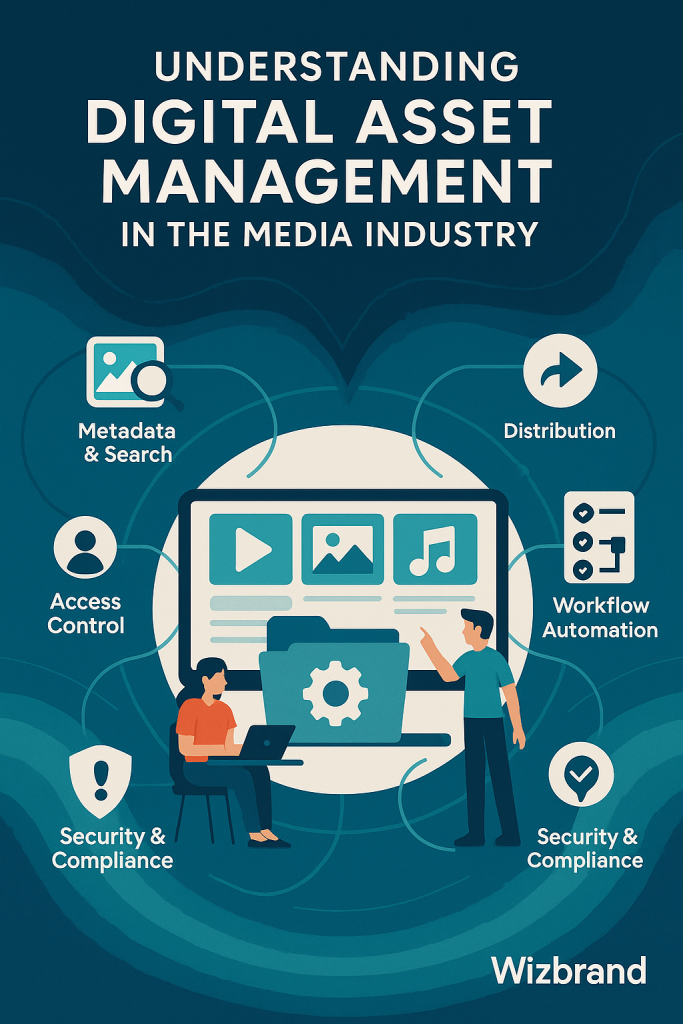
Enterprise Digital Asset Management (DAM) platforms offer a robust solution, empowering organizations to store, organize, retrieve, distribute, and govern digital content at scale.
A well-structured DAM like Wizbrand becomes the single source of truth for your digital files—streamlining productivity, compliance, and brand control.
Key Features of a Modern DAM Platform
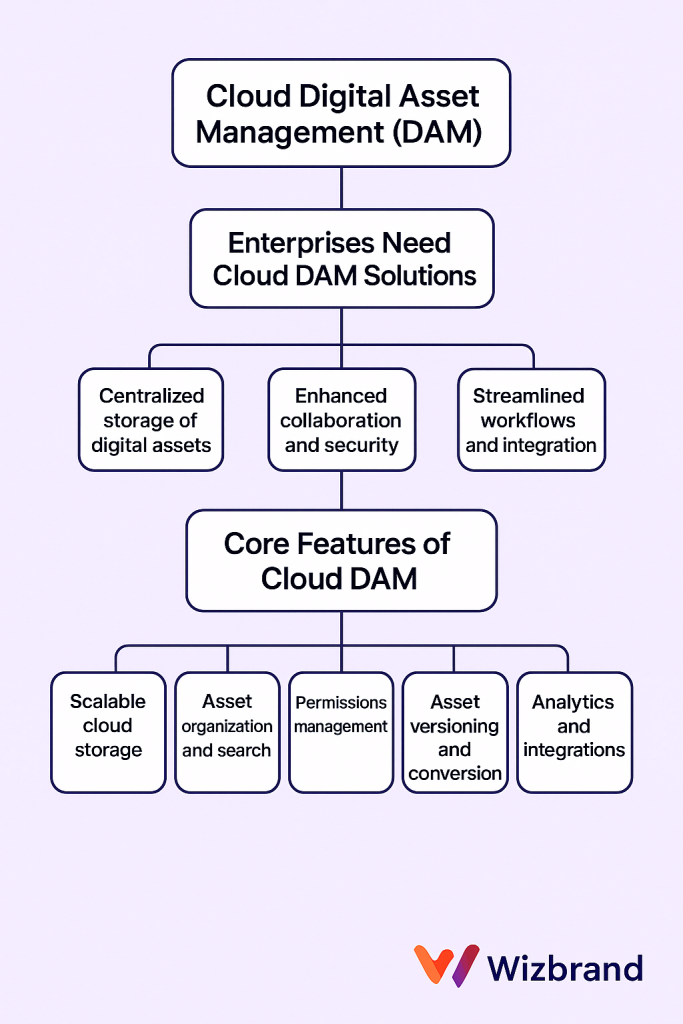
To meet enterprise needs, a DAM must go beyond basic file storage. Here are the essential capabilities every DAM should offer, all of which are delivered through Wizbrand’s Digital Asset Management platform:
a. Centralized Asset Repository
All digital assets are stored in one secure, cloud-accessible location. It eliminates file duplication and ensures teams are always accessing the right version.
b. Metadata Tagging & Search
Wizbrand supports advanced metadata tagging (project, type, department, date, campaign, etc.) enabling fast retrieval via contextual search.
c. Role-Based Access Controls
You can define permissions based on roles (Admin, Editor, Viewer), ensuring sensitive or restricted assets are accessible only to authorized users.
d. Version Control
Maintain full version history of every asset. Revert, compare, or restore versions at any time.
e. Asset Sharing & Publishing
With secure shareable links, embedded previews, and publishing integrations, Wizbrand helps distribute assets without risking unauthorized usage.
f. Usage Analytics
Track which teams or users accessed what assets, how often, and when, enabling data-driven optimization of content strategies.
g. Integration Ready
Wizbrand DAM supports REST APIs and integration points for enterprise tools like CMS platforms, marketing automation tools, and productivity apps.
Challenges Solved by Enterprise DAM
Here are the key problems that Wizbrand’s Enterprise DAM directly addresses:
| Challenge | Solution Provided by Wizbrand |
|---|---|
| Disorganized files across multiple tools | Centralized, searchable asset hub |
| Time wasted searching for correct files | Advanced filters and metadata-based search |
| Inconsistent branding across campaigns | Approved asset distribution and version control |
| Poor collaboration between teams | Real-time access and sharing controls |
| Lack of analytics for asset performance | Detailed usage reports and access logs |
| Security concerns for sensitive files | Role-based access, encryption, and secure share links |
Enterprises can scale confidently knowing that every asset is secure, trackable, and discoverable.
Why Choose Wizbrand for Enterprise Digital Asset Management?
Wizbrand stands apart by offering an end-to-end DAM ecosystem that is cost-effective, user-friendly, and highly customizable. Here’s why enterprises prefer Wizbrand:
Enterprise-Grade Architecture
Built on scalable infrastructure with high availability, Wizbrand supports high-volume asset operations without latency.
User-Centric Design
Intuitive UI/UX ensures even non-technical users can organize, search, and share assets effortlessly.
Multi-Organization Support
Wizbrand supports multi-tenancy, allowing separate environments for different brands or business units under one parent account.
White-Label & Custom Branding
Tailor the DAM portal to match your brand’s identity, useful for agencies managing multiple client portals.
Affordable Pricing for Enterprises
Compared to other DAM tools, Wizbrand delivers premium enterprise functionality at mid-tier pricing, making it ideal for growing brands and startups.
How to Use Wizbrand for DAM (Step-by-Step Guide)
Step 1: Log In and Navigate to the DAM Section
Access the Wizbrand dashboard and select Digital Asset Management from the features menu.
Step 2: Upload Your Assets
Use drag-and-drop upload or bulk import. Wizbrand supports all common formats—JPEG, PNG, MP4, PDF, PPT, DOCX, ZIP, and more.
Step 3: Add Metadata Tags
For each asset, define metadata such as:
- Asset Type (e.g., Logo, Ad, Video, Report)
- Project or Campaign Name
- Tags (SEO, Branding, Product)
Step 4: Set Access Permissions
Choose who can view, edit, or share each file. Set expiry for public links, and track asset usage.
Step 5: Retrieve and Share Assets
Use search, filters, or tag-based queries to find files instantly. Generate secure links to share with external vendors or internal teams.
Step 6: Monitor Asset Usage
Access the Analytics tab to see top-performing files, usage history, and active users.
Best Practices for Digital Asset Lifecycle Management
To maximize ROI from your digital content and Wizbrand’s DAM, follow these expert strategies:
- Standardize Metadata Structure: Maintain consistent tagging conventions across departments.
- Create Asset Approval Workflows: Designate roles for uploading, reviewing, and publishing content.
- Archive Unused Assets: Regularly review and archive outdated content to keep the DAM clutter-free.
- Enable Audit Trails: Use Wizbrand’s logs to track all asset activity for compliance.
- Train Your Teams: Ensure everyone knows how to tag, organize, and find assets correctly.
Use Cases Across Industries
Wizbrand’s Enterprise DAM adapts to various verticals:
Automotive Brands
Centralize brochures, 3D models, and brand kits for dealerships globally.
Healthcare Providers
Store compliance documents, training videos, and marketing materials securely.
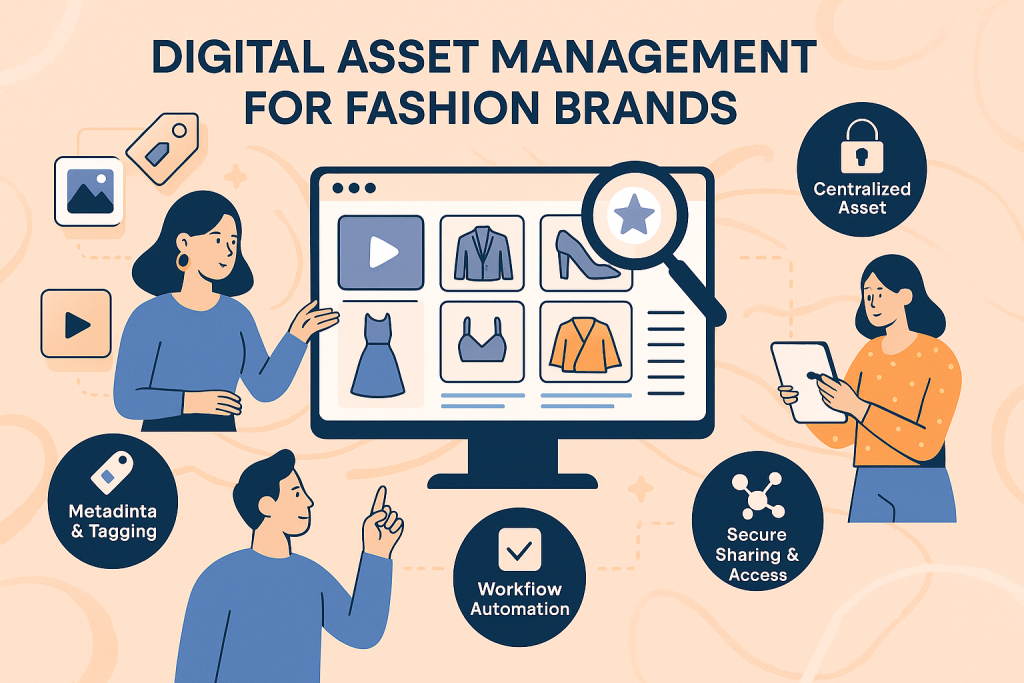
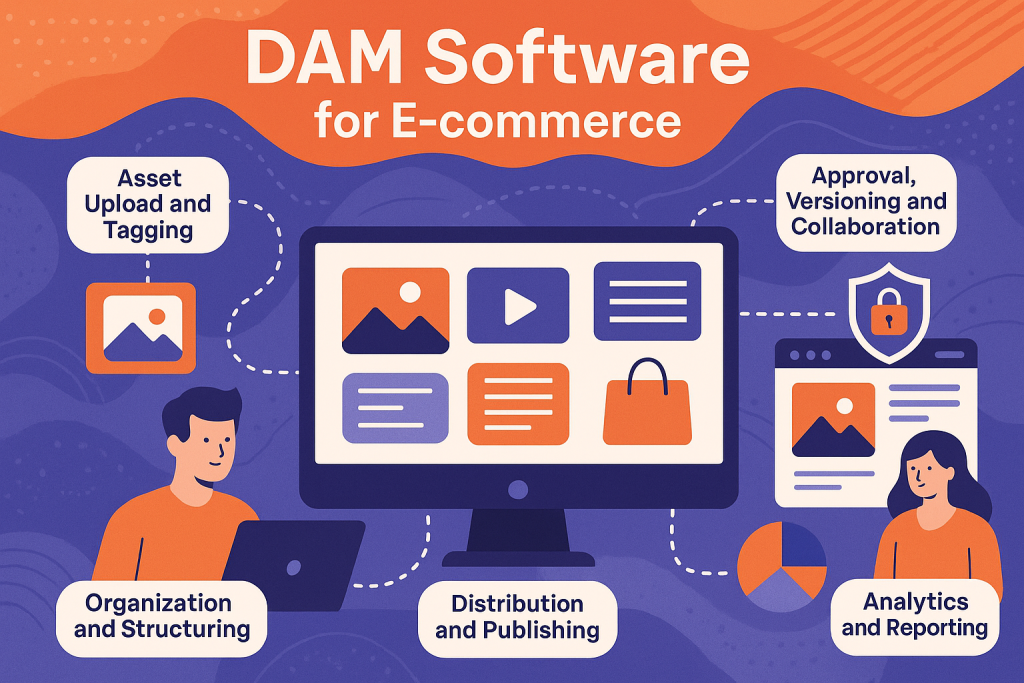
E-commerce & Fashion
Manage product images, seasonal lookbooks, and influencer campaigns in one place.
Education & EdTech
Publish digital courseware, lecture notes, and student handouts under strict version control.
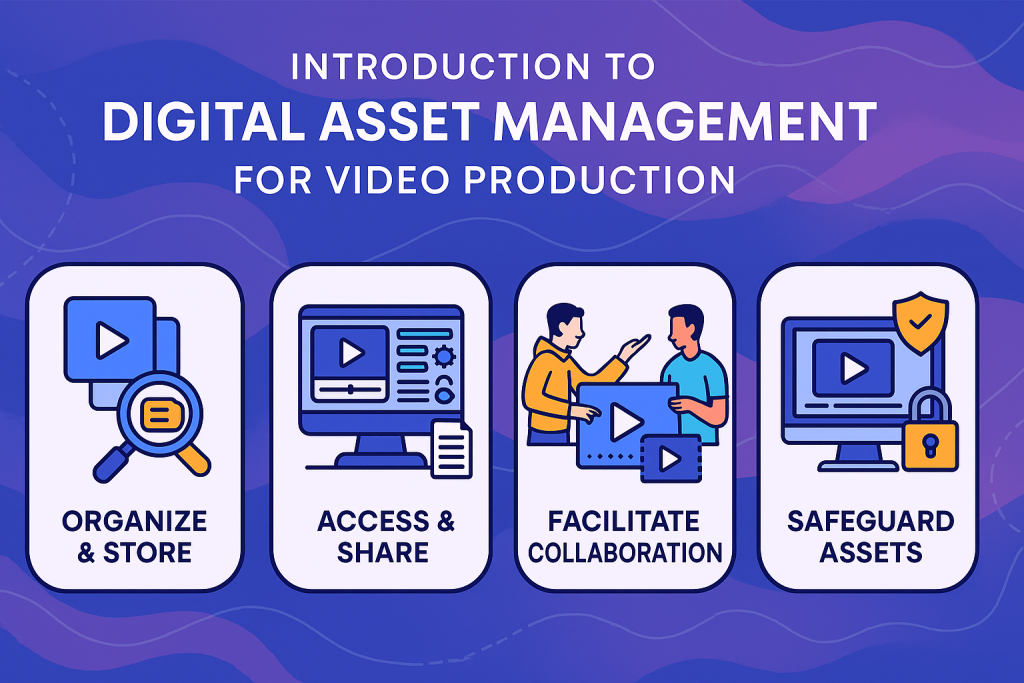
Agencies & Media
Streamline asset distribution for ad creatives, video content, and client presentations.
Final Thoughts and Next Steps
Digital Asset Management is no longer a luxury—it’s a necessity for digital-first enterprises. A platform like Wizbrand offers the flexibility, security, and scalability you need to stay ahead in the content-driven business landscape.
By adopting Wizbrand for your Enterprise Digital Asset Management, you not only centralize your media but also unlock brand consistency, faster go-to-market, and better collaboration across your organization.
Ready to Power Your Enterprise DAM?
Visit 👉 https://www.wizbrand.com/features/digital-asset-management
Start managing your digital assets the smarter way, with Wizbrand—the preferred choice for modern enterprises.